


SikaiCase
SikaiCase Crocodile Silicone Remote Cover for Samsung Smart TV Remote
SikaiCase Crocodile Silicone Remote Cover for Samsung Smart TV Remote
Couldn't load pickup availability
- Fast Free Shipping
- 30-Day Return Policy
- 12-Month Warranty
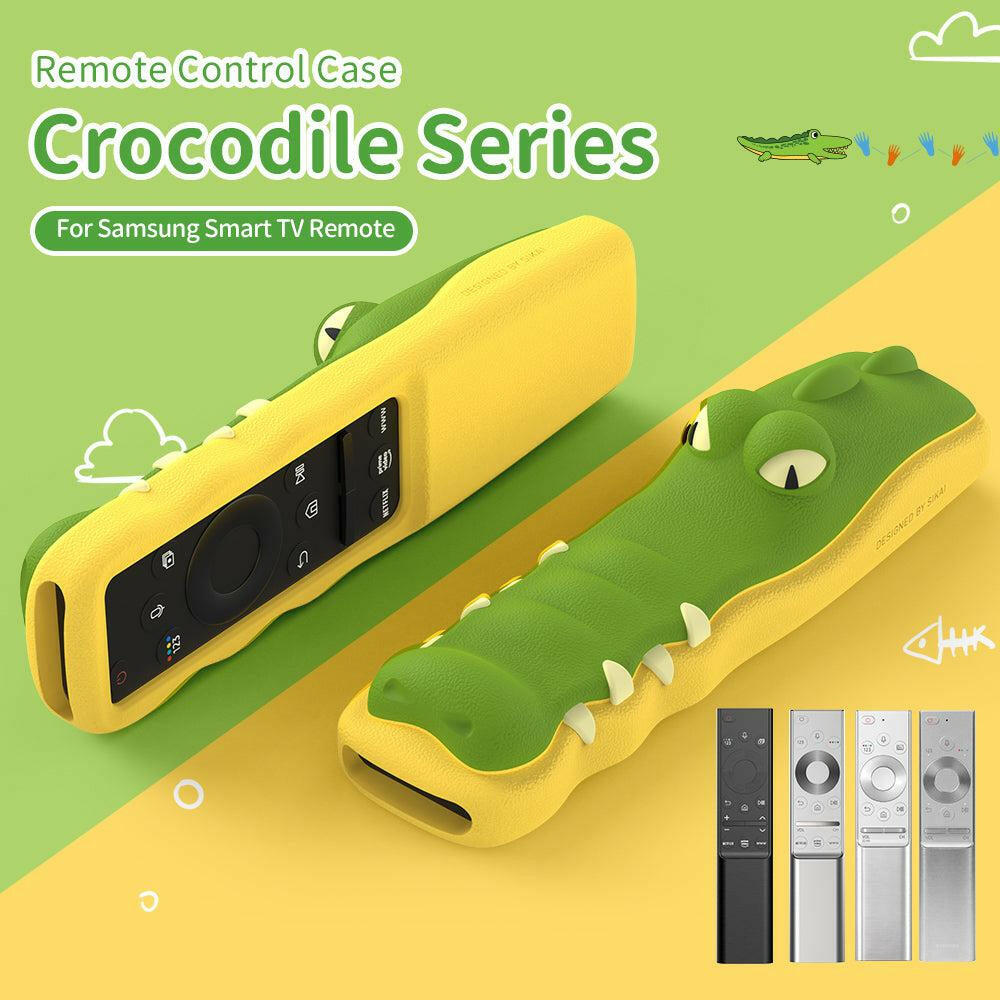
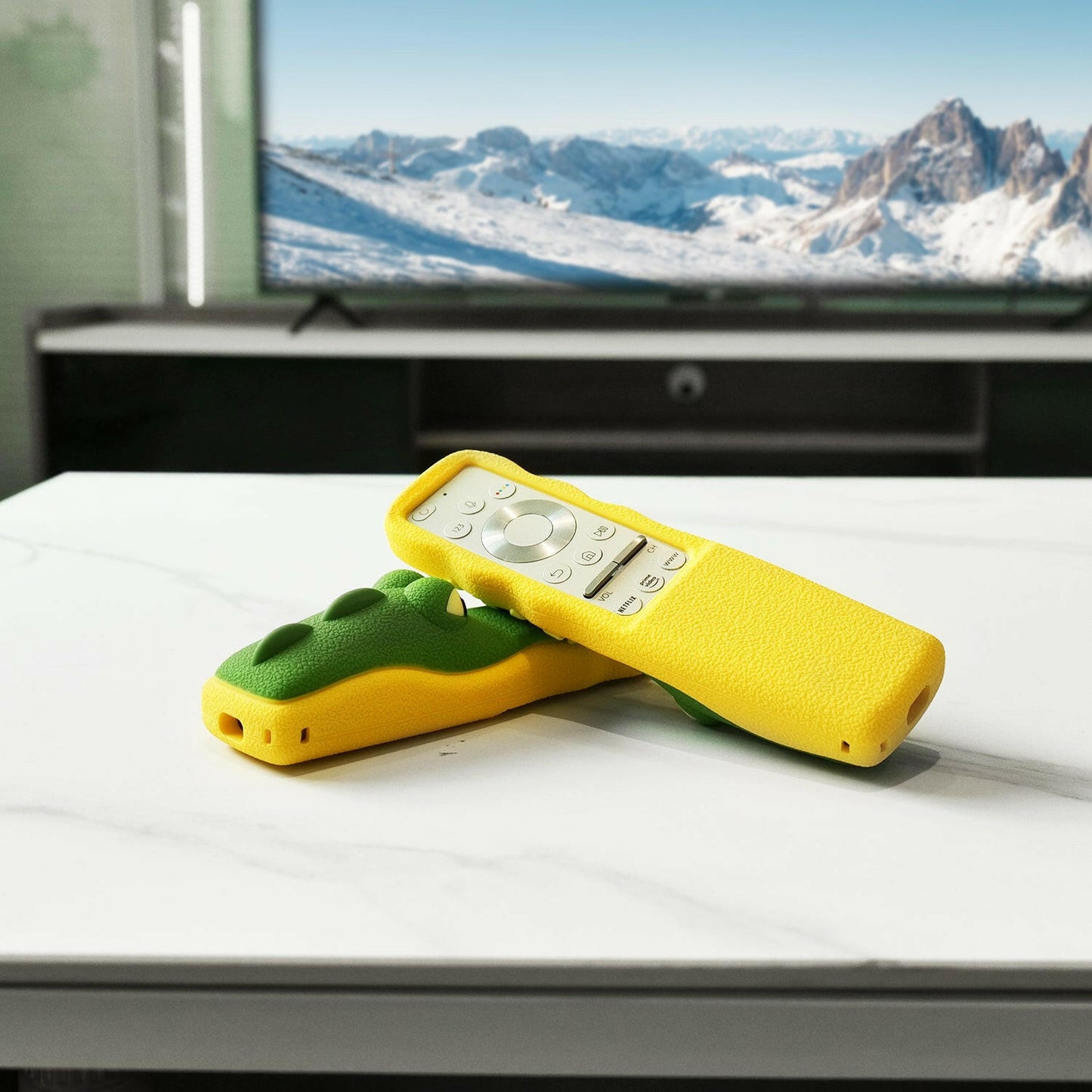
A crocodile-shaped silicone remote cover for selected Samsung Smart TV remotes. Add a more comfortable grip and a distinctive green-and-yellow design to everyday TV time. Match the exact remote model and shape before ordering.
Why You’ll Like It
- Designed for Samsung Smart TV remotes
- Soft silicone improves grip and helps reduce slipping
- Helps protect against scratches, drops, and daily wear
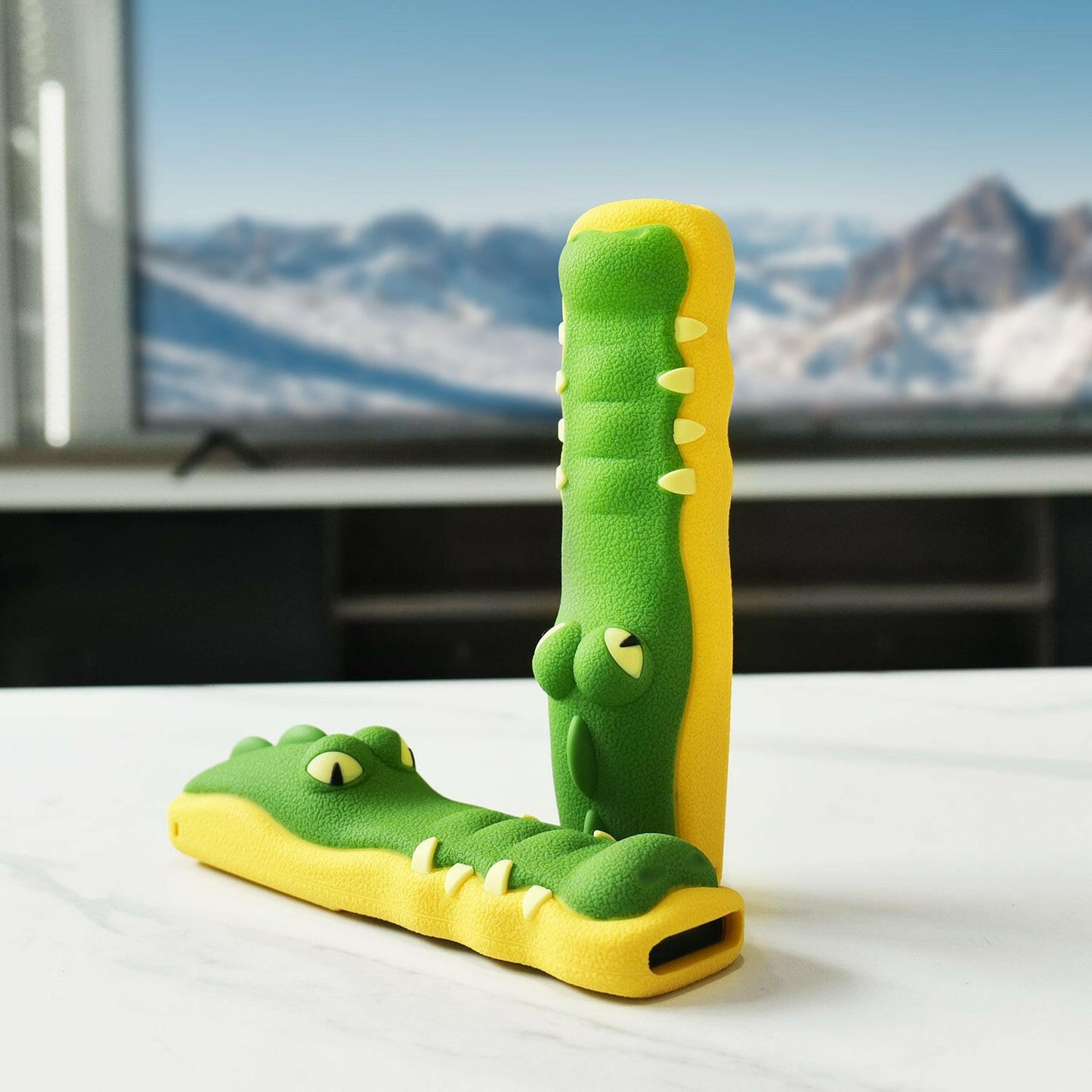
- Fun crocodile design makes your remote easy to find
- Full coverage with precise cutouts for all buttons
Product Overview
A fun crocodile-shaped silicone cover designed to improve grip and protect your Samsung TV remote.
Samsung remotes are slim and easy to slip or lose. This silicone cover adds extra grip, protects from everyday damage, and makes your remote easier to find at a glance.
The playful crocodile design brings personality and fun to your living room setup while keeping your remote safe.
Compatibility
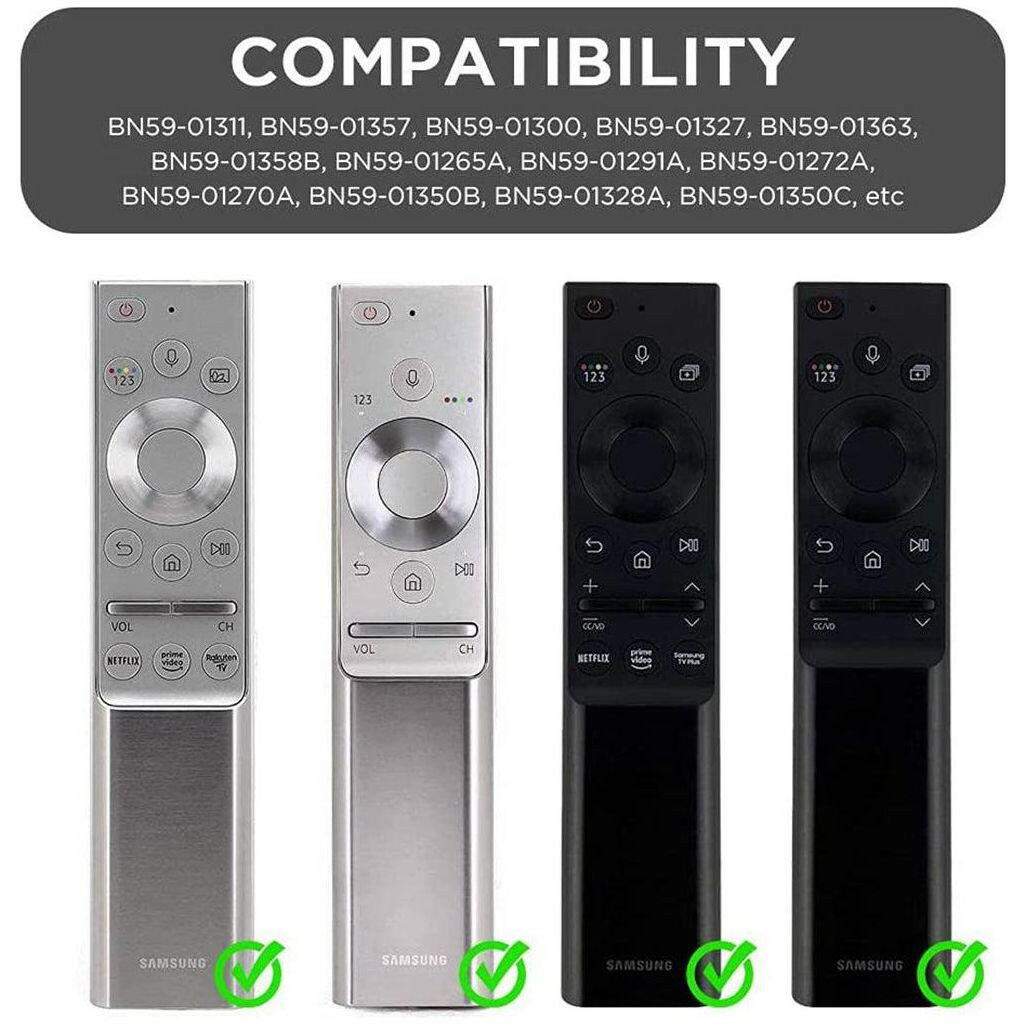
Compatible with Samsung Smart TV Remote models including:
TM Series:
TM2180E / TM2180F / TM2180A / TM2180B
TM2280E / TM2140A / TM1990C
BN59 Series:
BN59-01357A / BN59-01357F / BN59-01363A
BN59-01311B / BN59-01300C / BN59-01327A
BN59-01363C / BN59-01363L
Not compatible with:
Older Samsung remotes with different button layouts
Before buying:
Please compare your remote shape and button layout carefully.
Materials & Care
Made from flexible silicone for a soft touch and reliable protection.
Clean with water or mild soap. Avoid sharp objects and high temperatures.
Who It’s For
- Samsung Smart TV users
- People who want better grip and protection
- Users who often lose their remote
Design Details
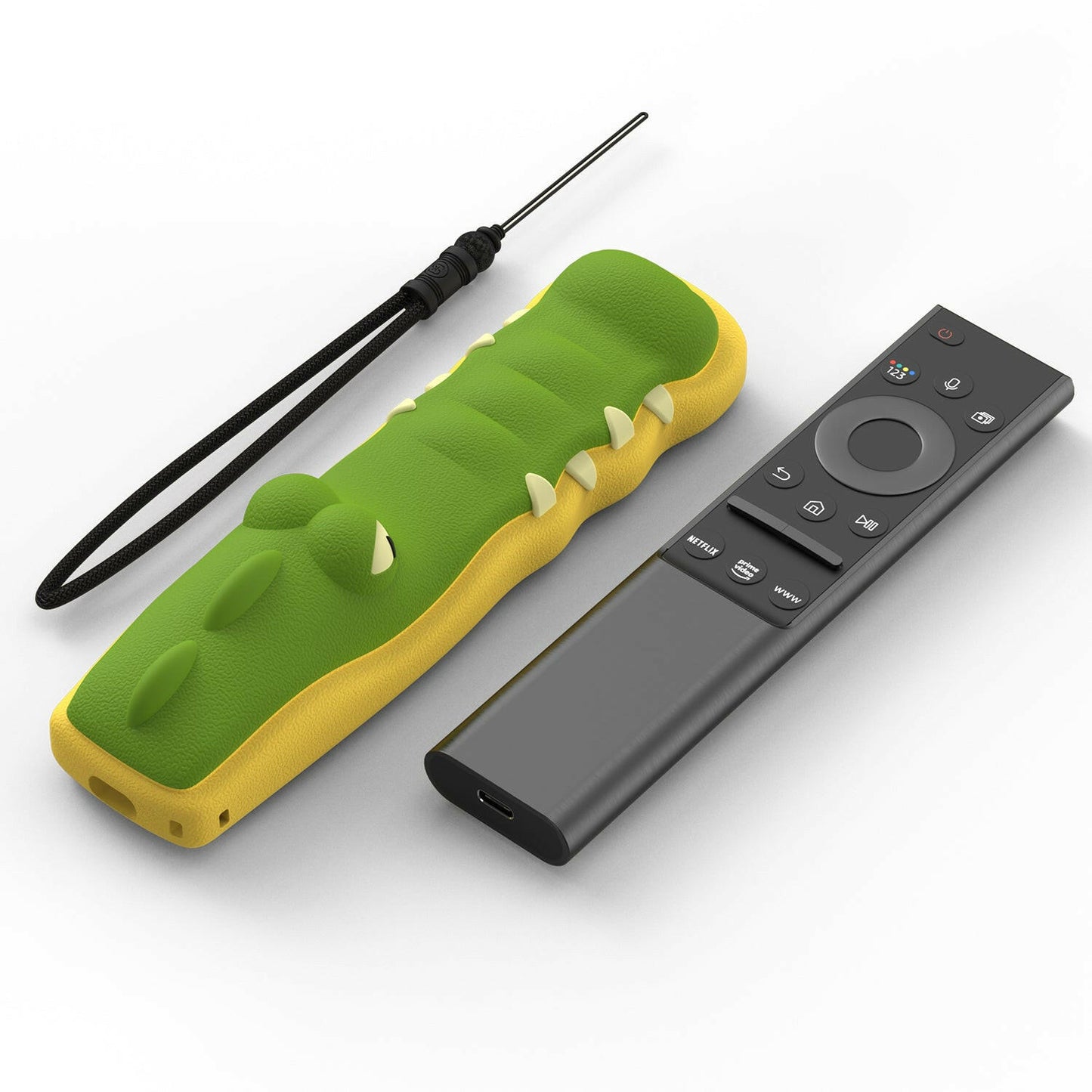
The crocodile-shaped body has a textured back, an open button area and a bottom charging-port opening, as shown in the gallery. For rechargeable remotes, check that your cable connector fits without forcing it. Do not assume the rear solar panel remains exposed under this crocodile design; remove the cover if it blocks the panel when charging by light.
Installation & Use
- Check the complete remote model, front controls and rear shape against the product images.
- Gently ease the remote into the flexible cover and seat the edges without forcing it.
- Check that buttons move freely and any required sensor or charging openings are aligned. Remove and refit if the cover presses a button.
Cleaning & Care
Remove the remote before cleaning. Wash the silicone cover separately with mild soap and water, rinse and air-dry fully before refitting. Keep the remote dry and avoid sharp objects, strong solvents and excessive heat.
Package Contents
SikaiCase silicone remote cover in the selected option. Remote control, batteries and charging cable are not included. Check the selected option for any separately stated strap inclusion.
Important Fit & Protection Notes
This is a model-specific protective accessory, not a replacement remote. It does not make the remote waterproof or guarantee protection against every drop. TV series names such as QLED, Neo QLED or Crystal UHD are not enough to establish fit: compare the remote itself.
FAQ
Q: Will this fit all Samsung remotes?
A: No, it fits specific models listed above. Please check your remote carefully.
Q: Will it block any buttons?
A: No, all buttons remain fully accessible.
Q: Does it affect signal?
A: No, the silicone material does not block signals.
Q: Is it easy to install?
A: Yes, simply slide your remote into the case.
Q: Is the material soft?
A: Yes, it’s made from soft and flexible silicone.
Q: Can I clean it?
A: Yes, wash with water or mild soap.
Q: Does it protect from drops?
A: Yes, it helps absorb minor drops and impacts.
Q: Does it come with a remote?
A: No, this is a protective case only.
Q: Can a SolarCell remote charge through the crocodile cover?
A: The pictured case has a bottom opening for a compatible charging cable. For charging by light, the remote’s rear solar panel must be exposed. Remove the cover if it obscures that panel; the cover itself does not charge the remote.
Q: How do I choose the correct remote cover?
A: Check the complete model number, front button arrangement and rear shape against this listing. TV brand or screen size alone cannot confirm physical fit.
Helpful Links
Back to Samsung Remote Covers
View Compatibility Guide
Read Buying Guide
Visit FAQ
Samsung and SolarCell are trademarks of their respective owners. SikaiCase is an independent accessory brand and is not affiliated with or endorsed by Samsung. Brand and model names identify compatibility only.
Share





I arrived earlier than expected h the product is very beautiful, good making and quality of materials. I loved it.