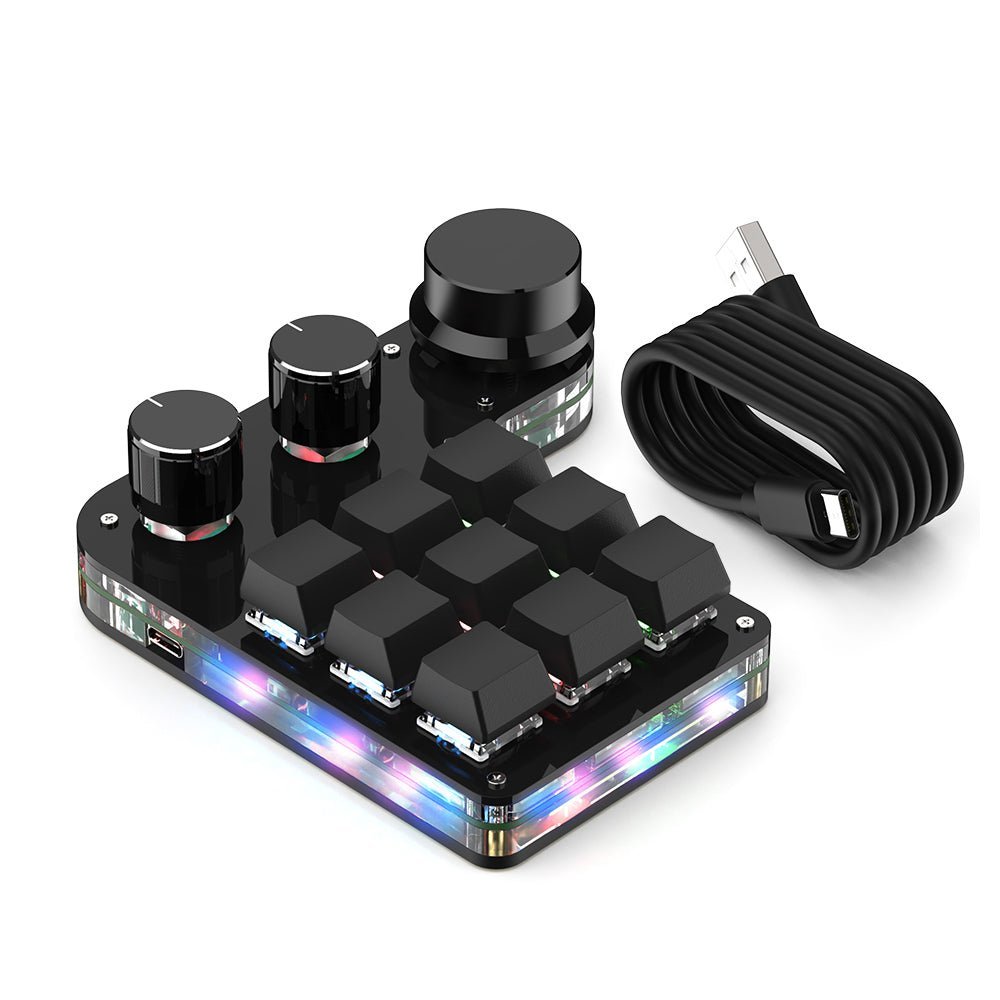
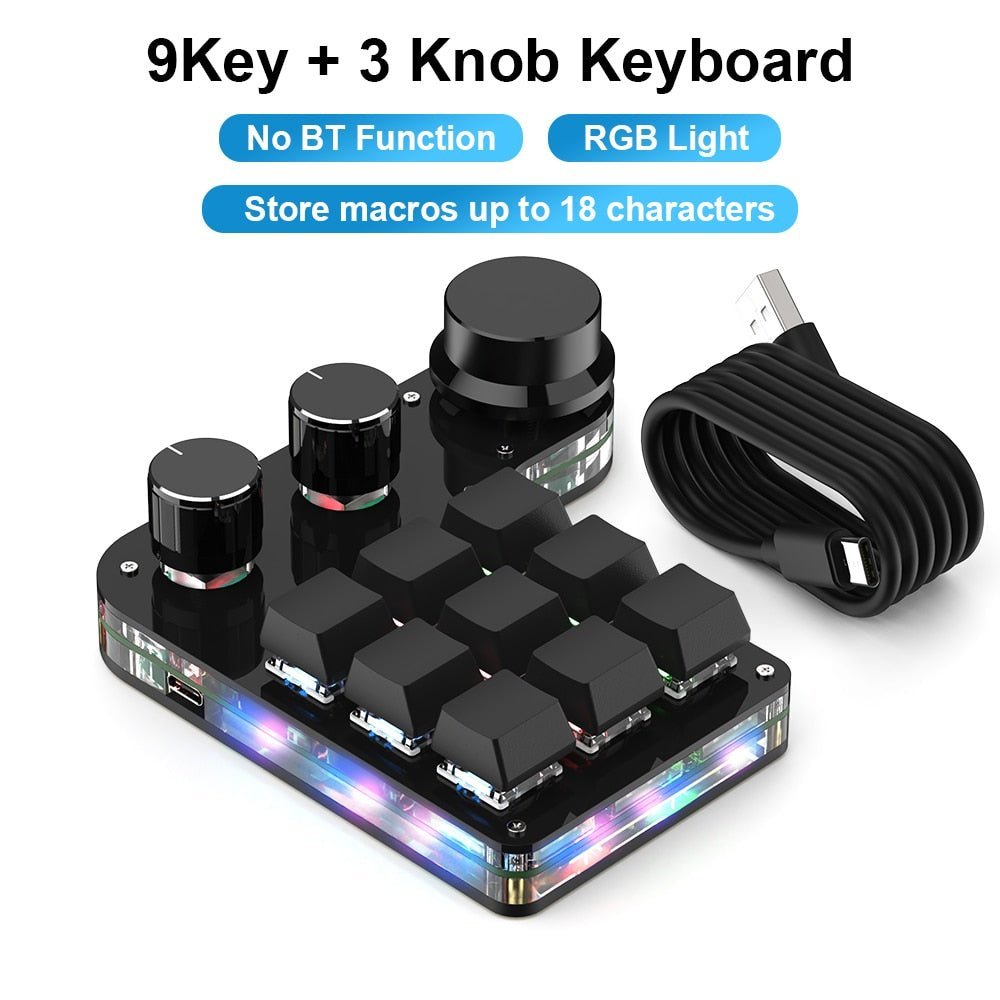
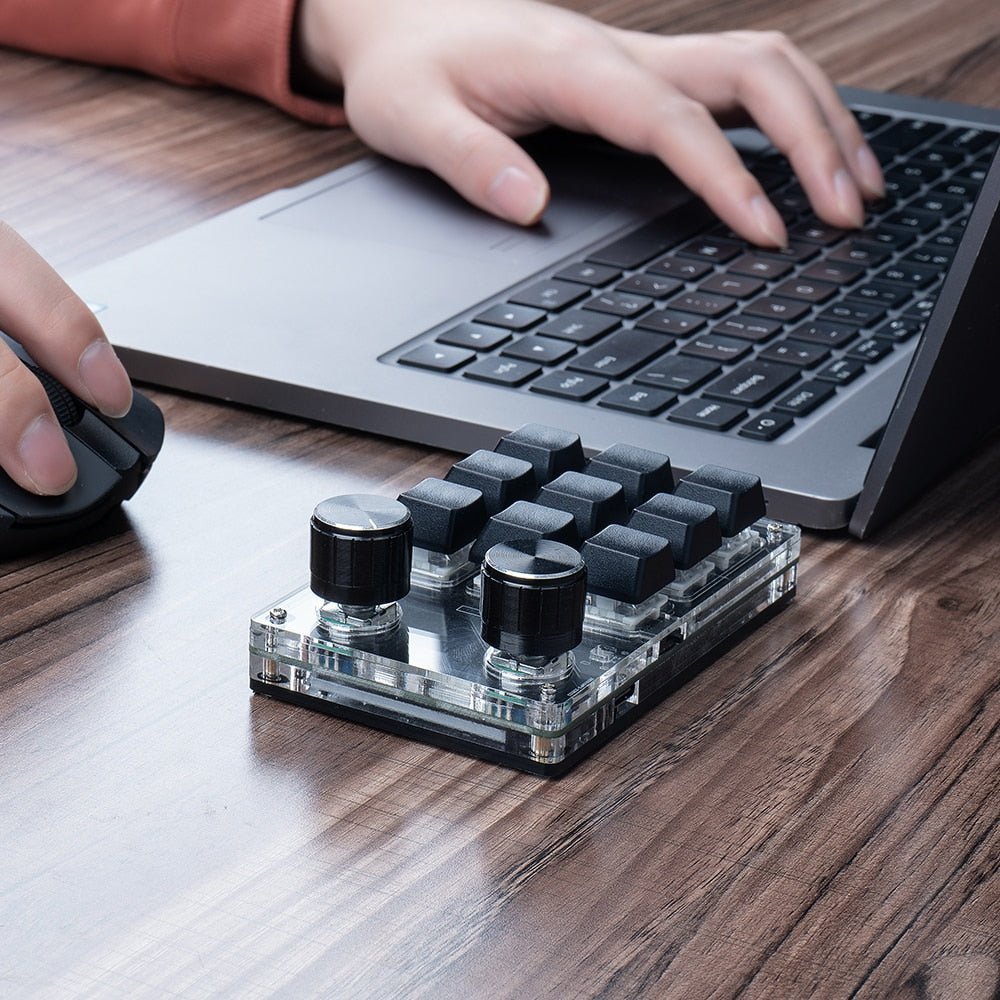
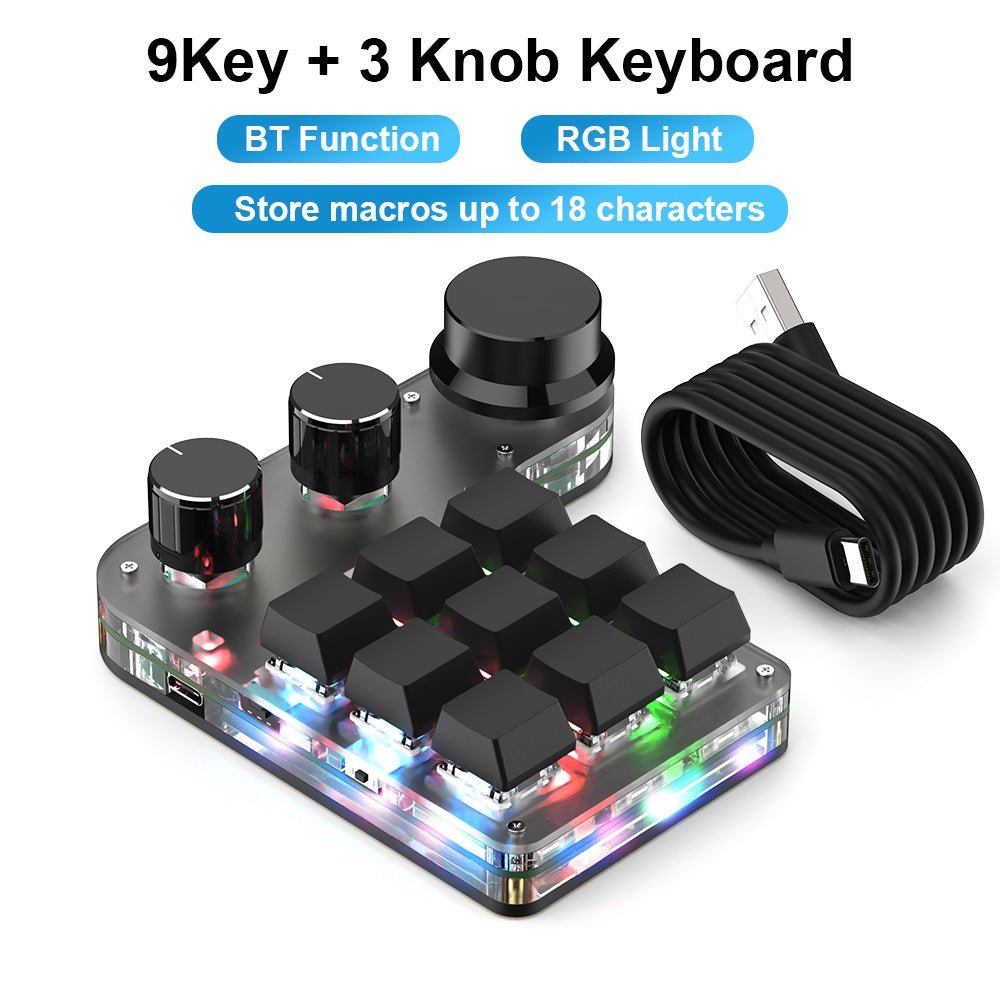
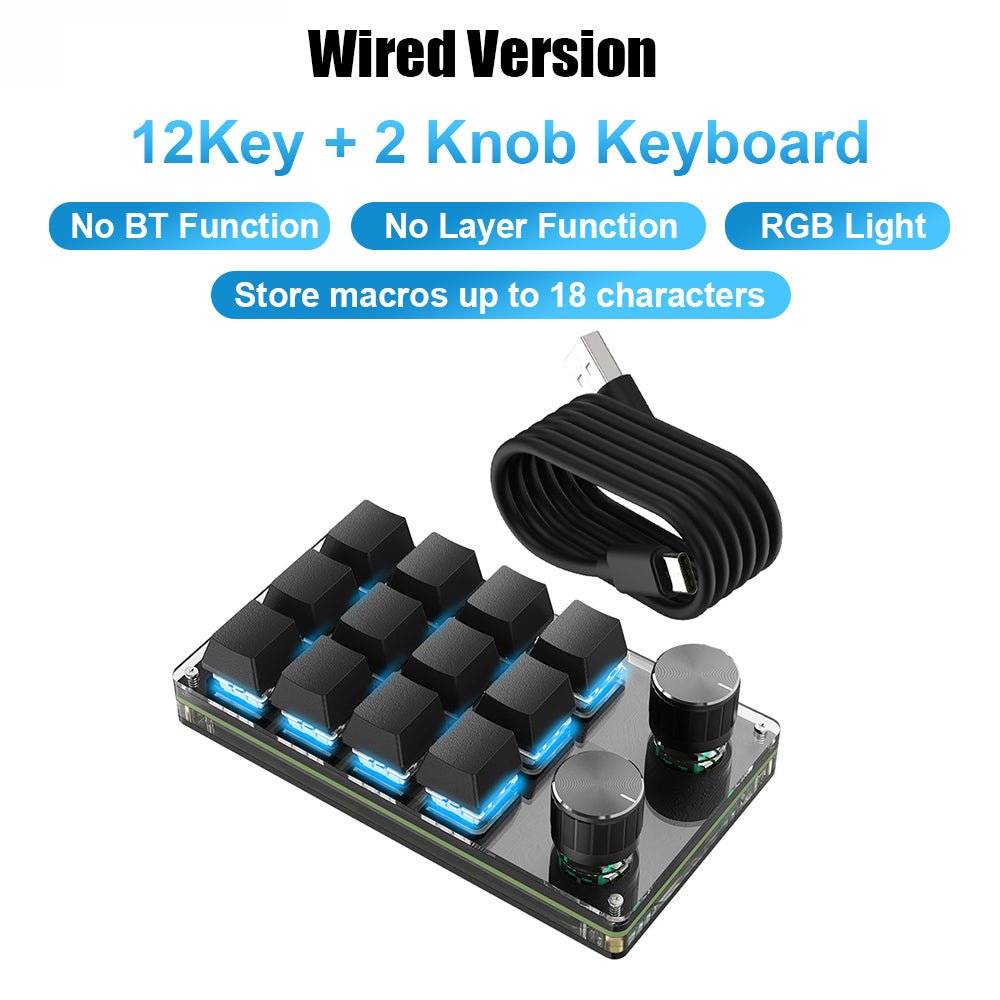
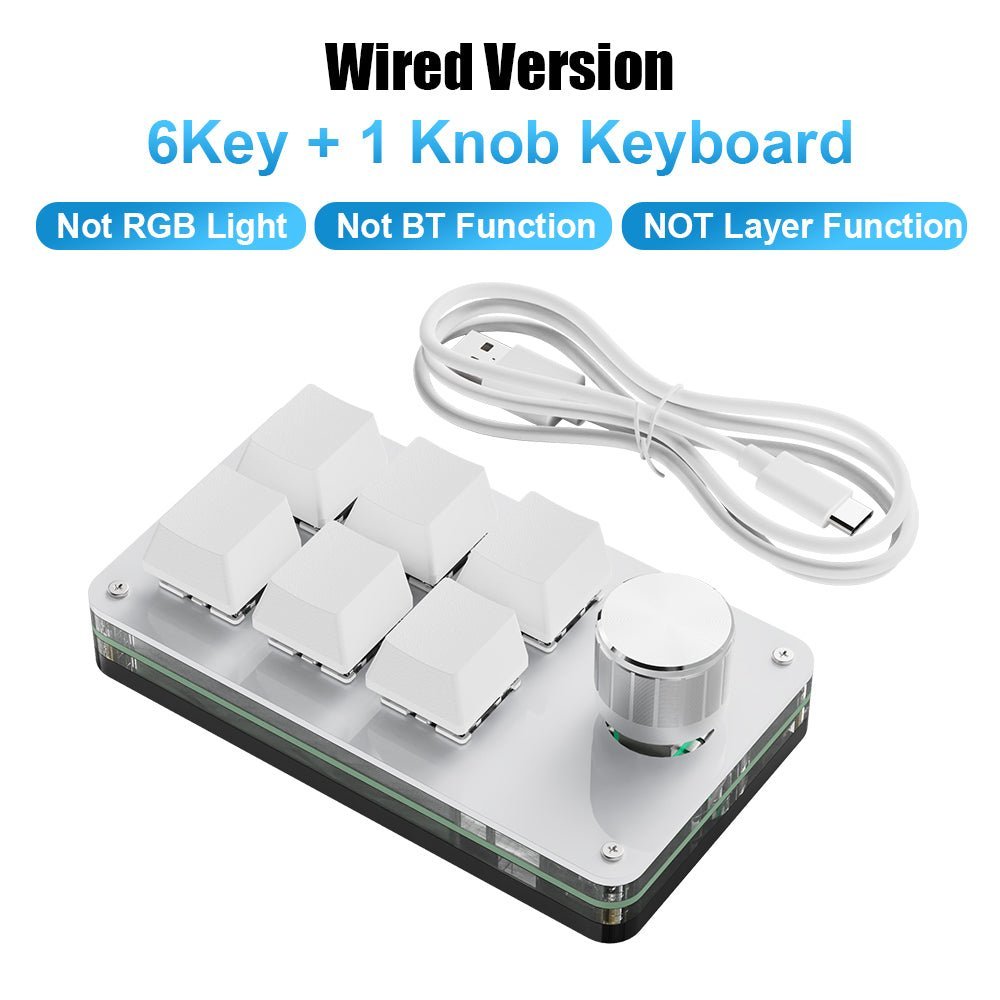
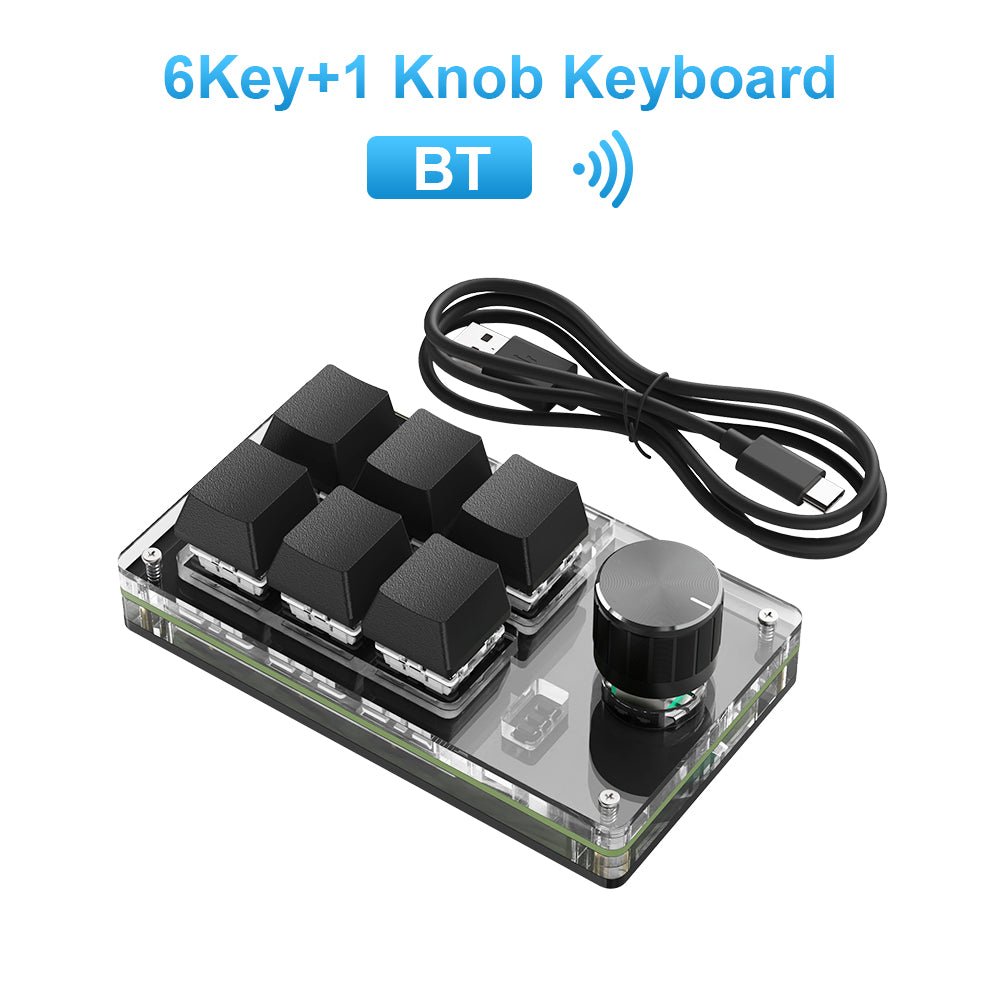
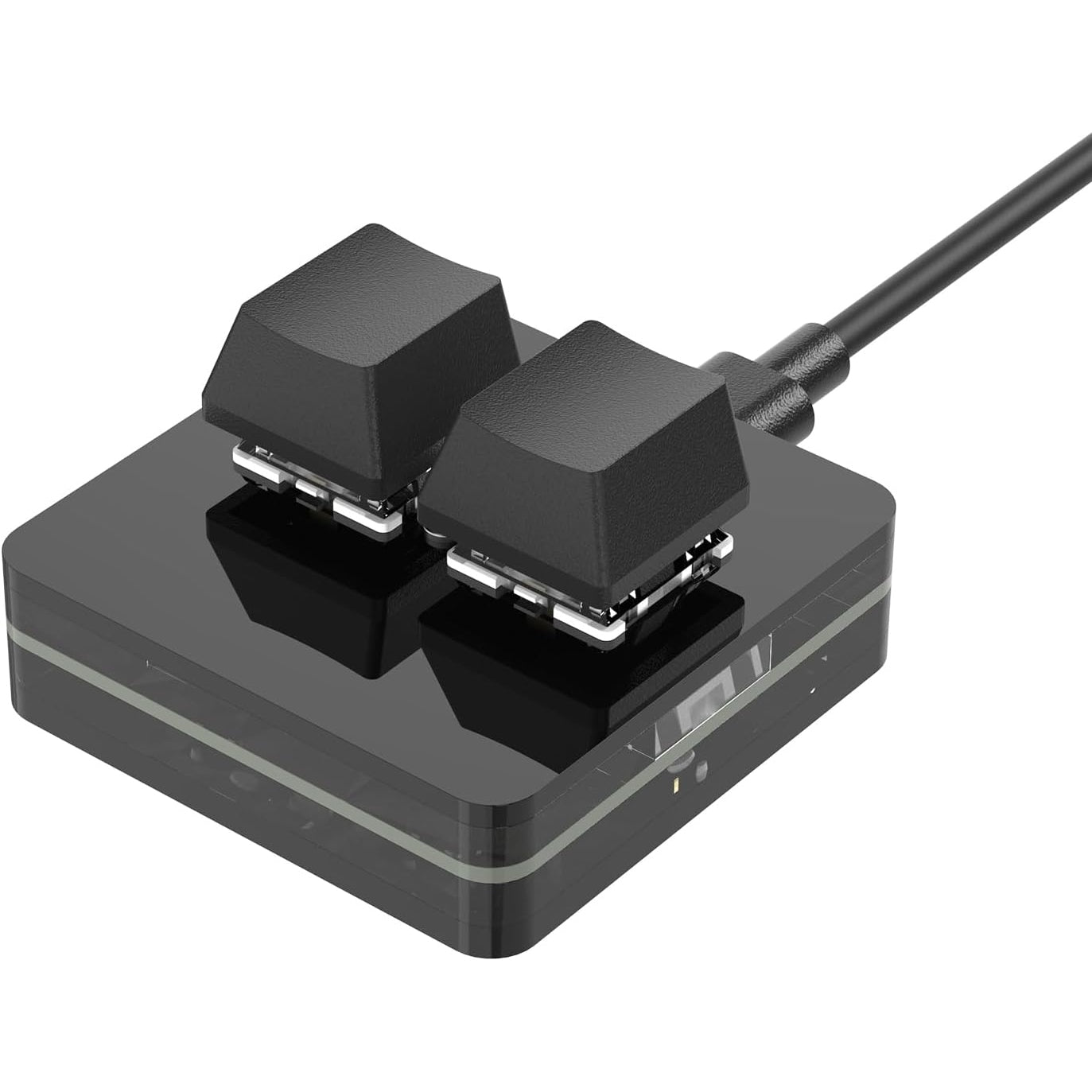
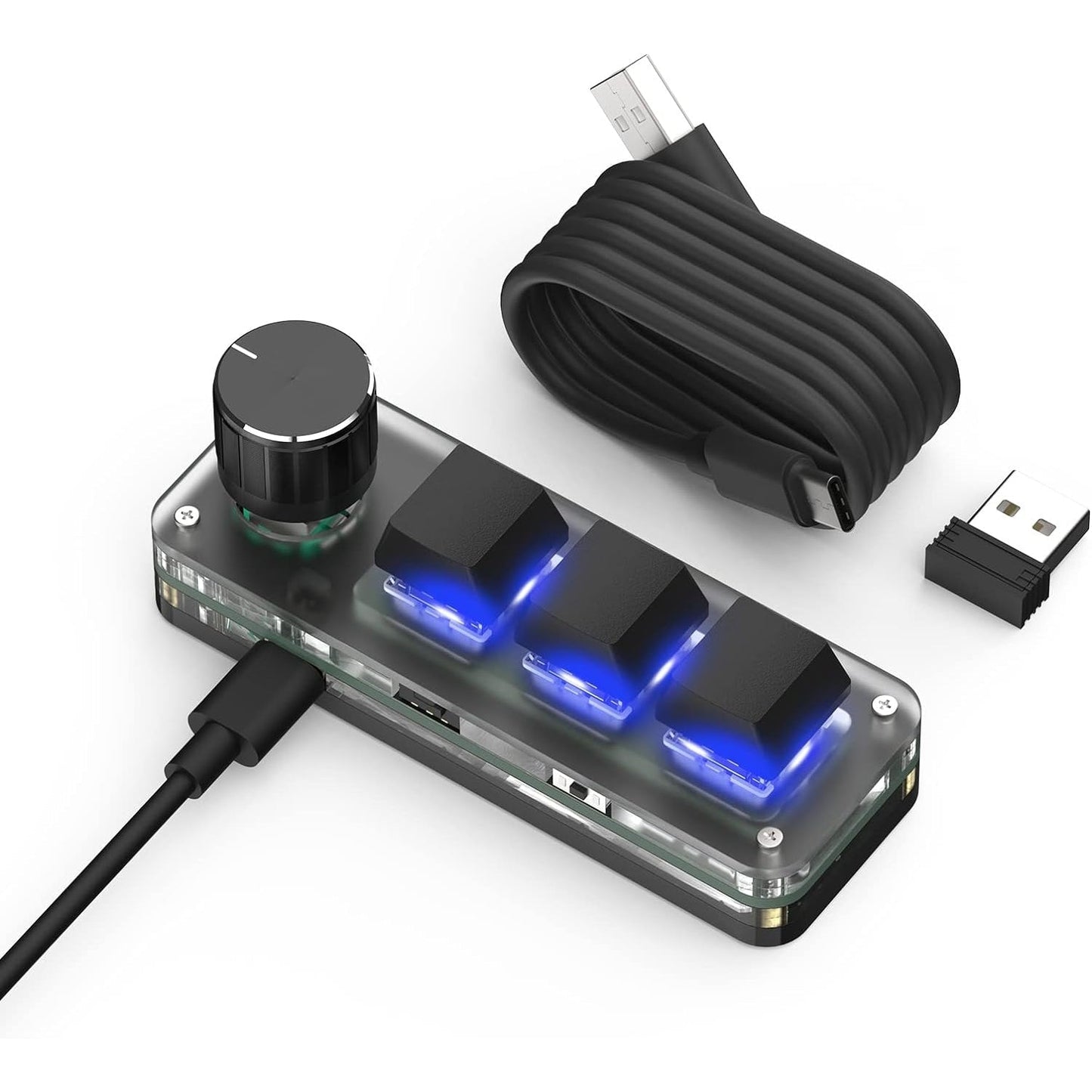
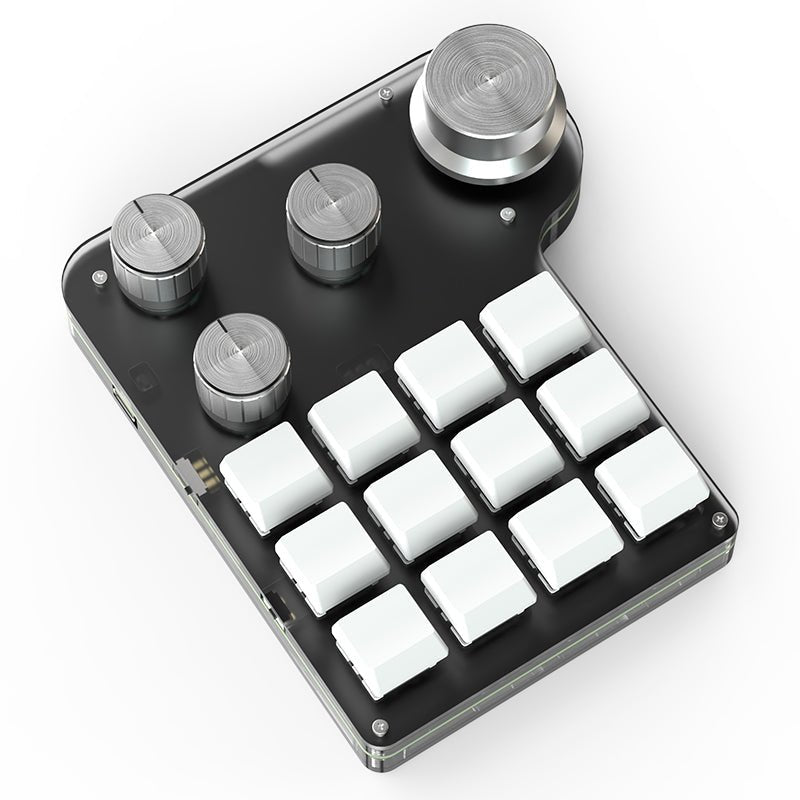
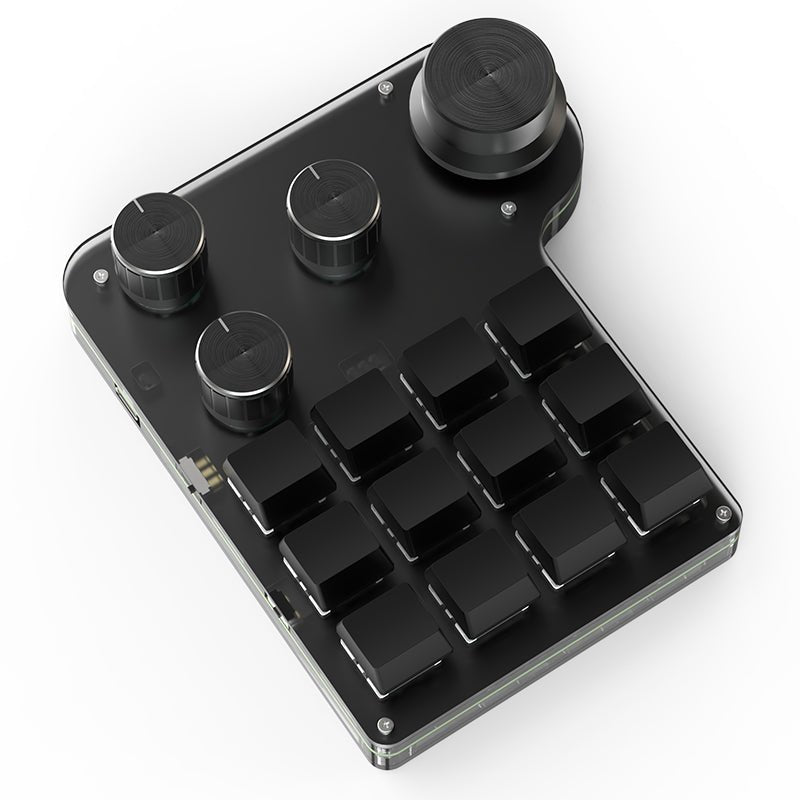
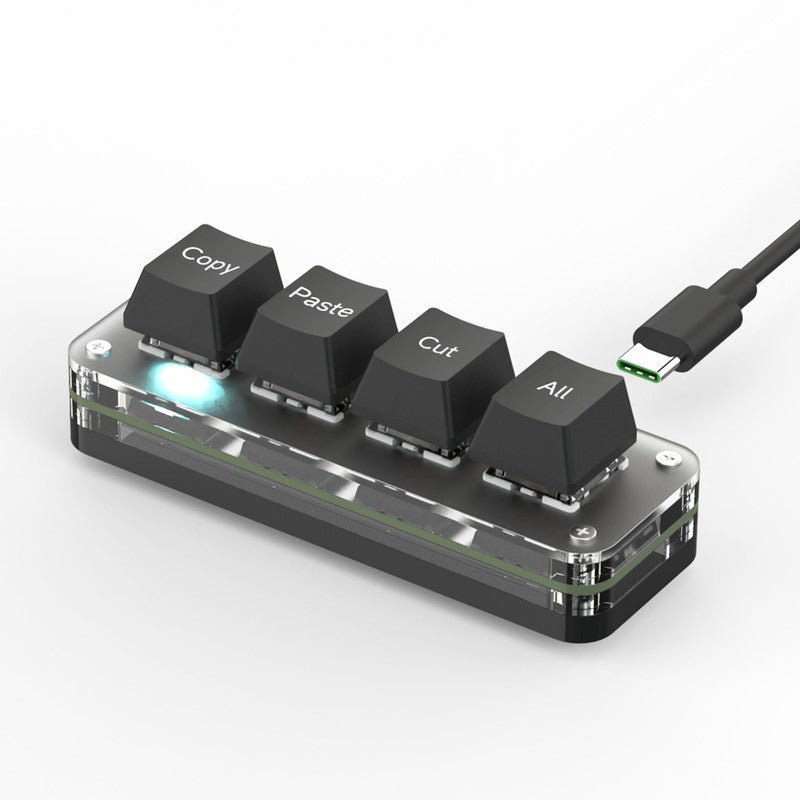
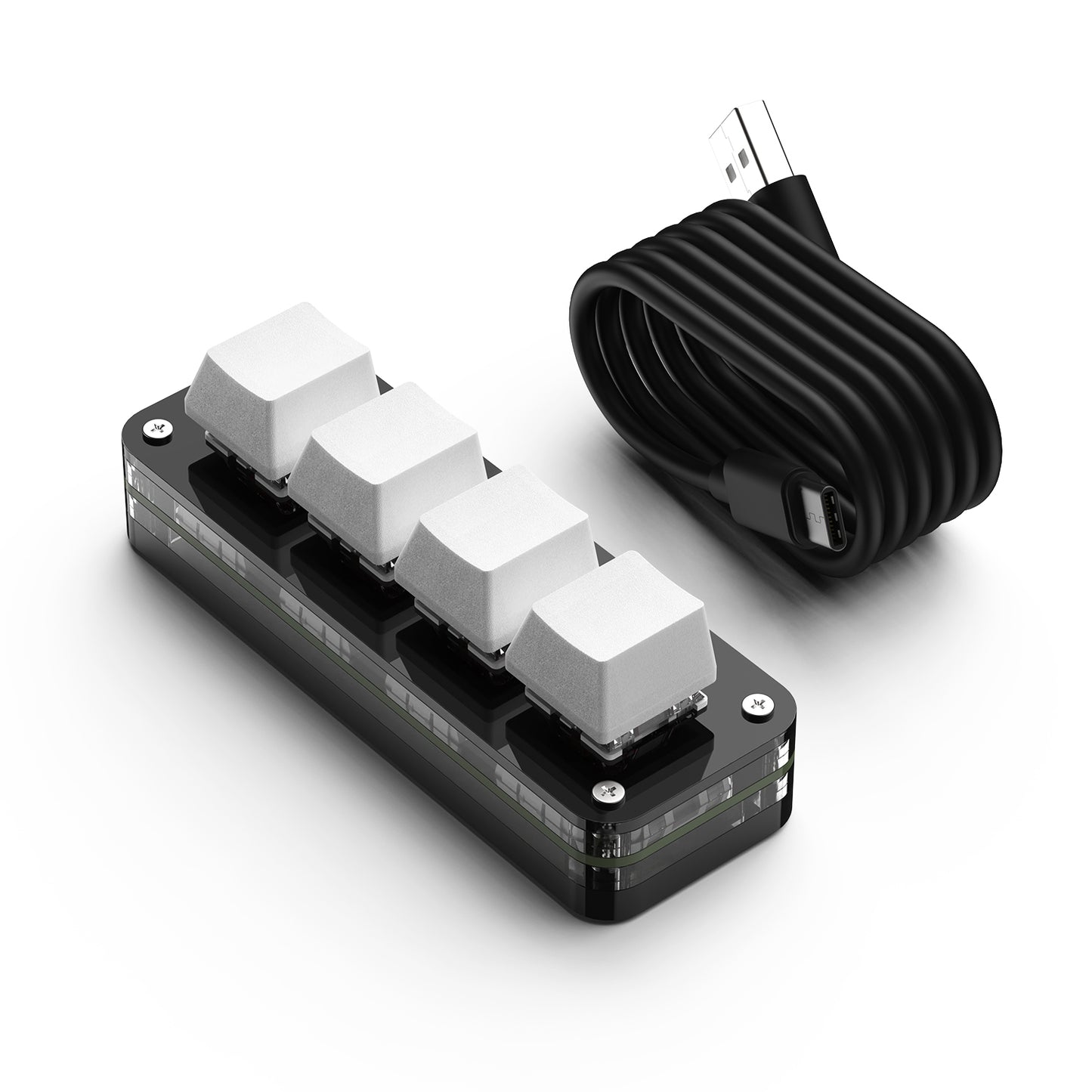
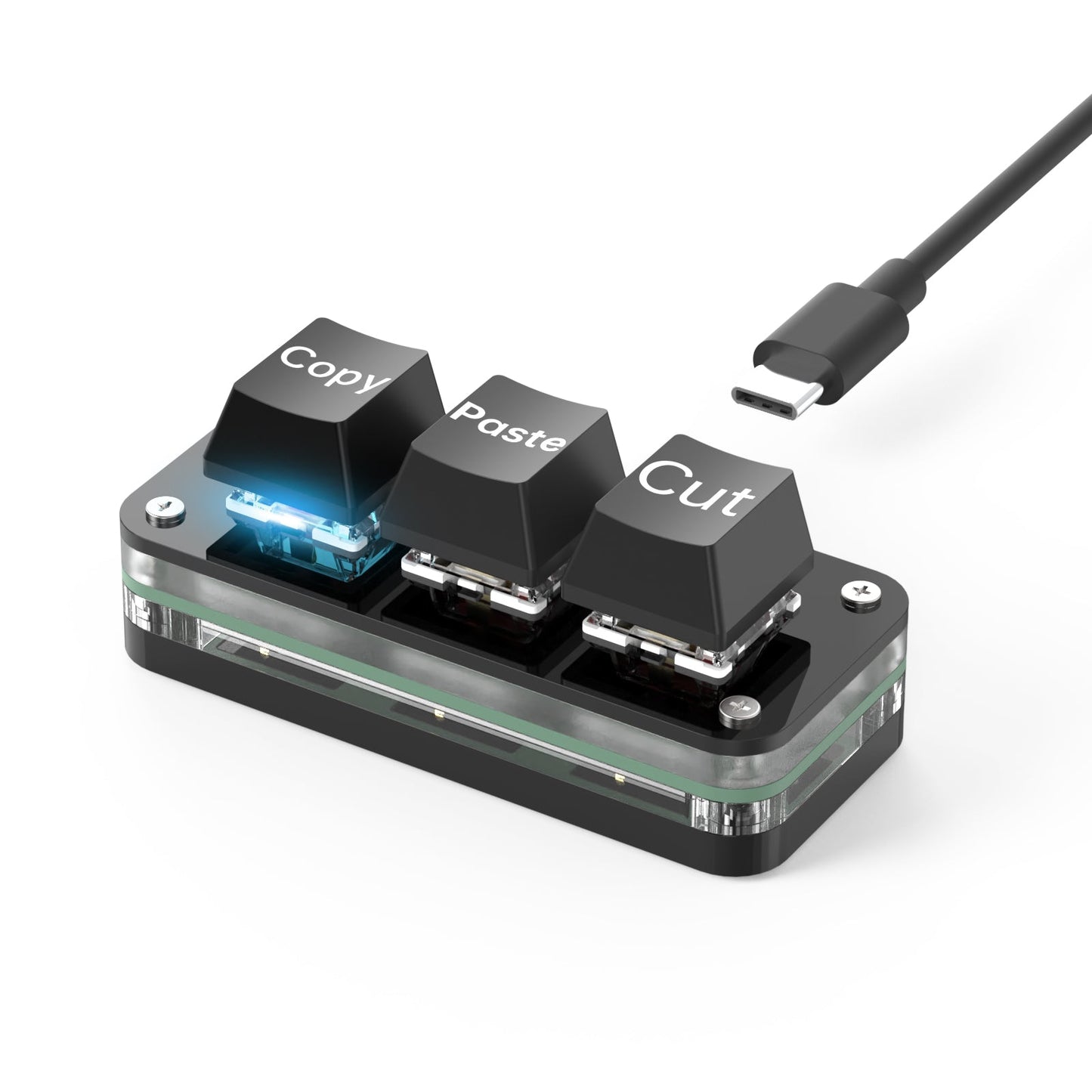
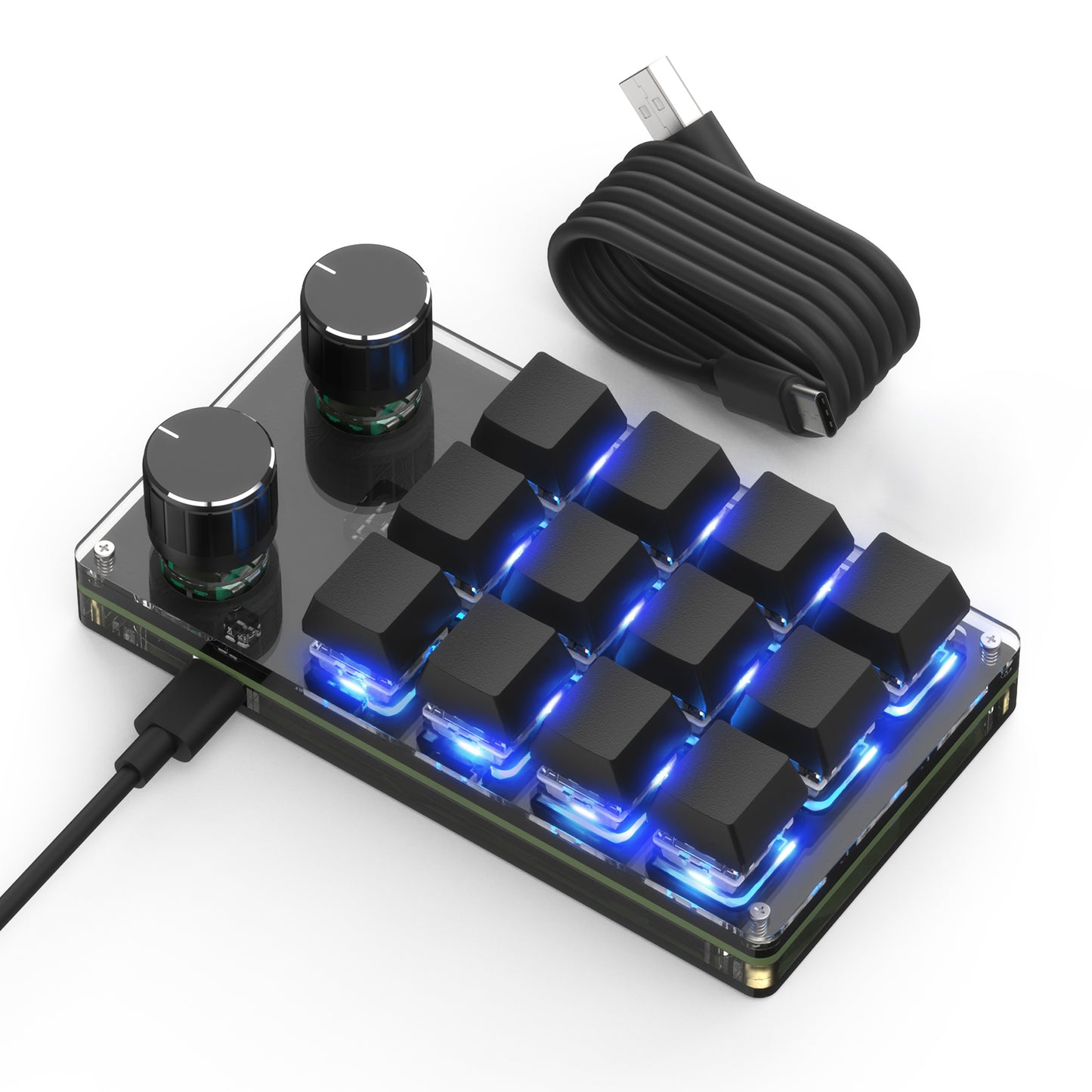
Choose the SikaiCase programmable mechanical mini keyboard that fits your shortcut workflow. This all-models page brings together the current 2-key, 3-key, 4-key, 5-key, 6-key, 9-key, 12-key and 15-key configurations in one place, with wired and wireless versions clearly identified in the selector.
Choose Your Model
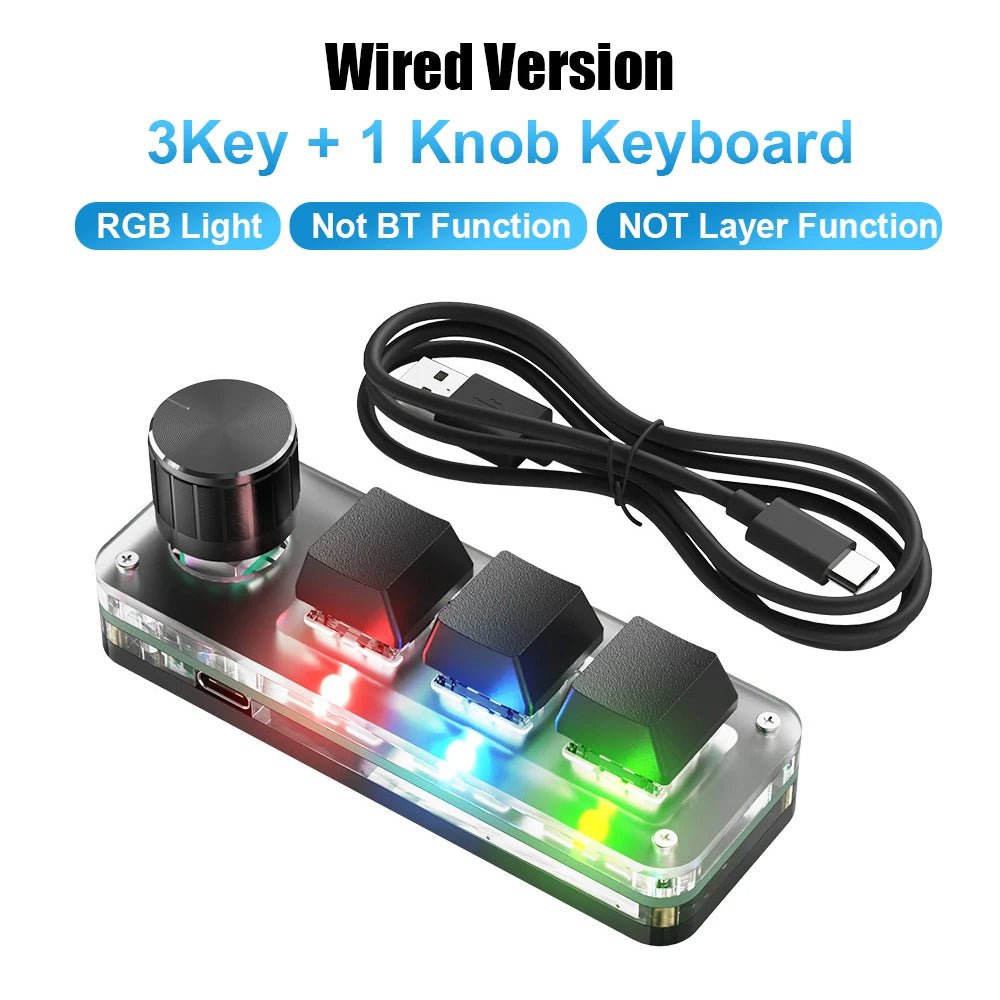
Wired USB-C: stable plug-and-play connection for desktop setups.
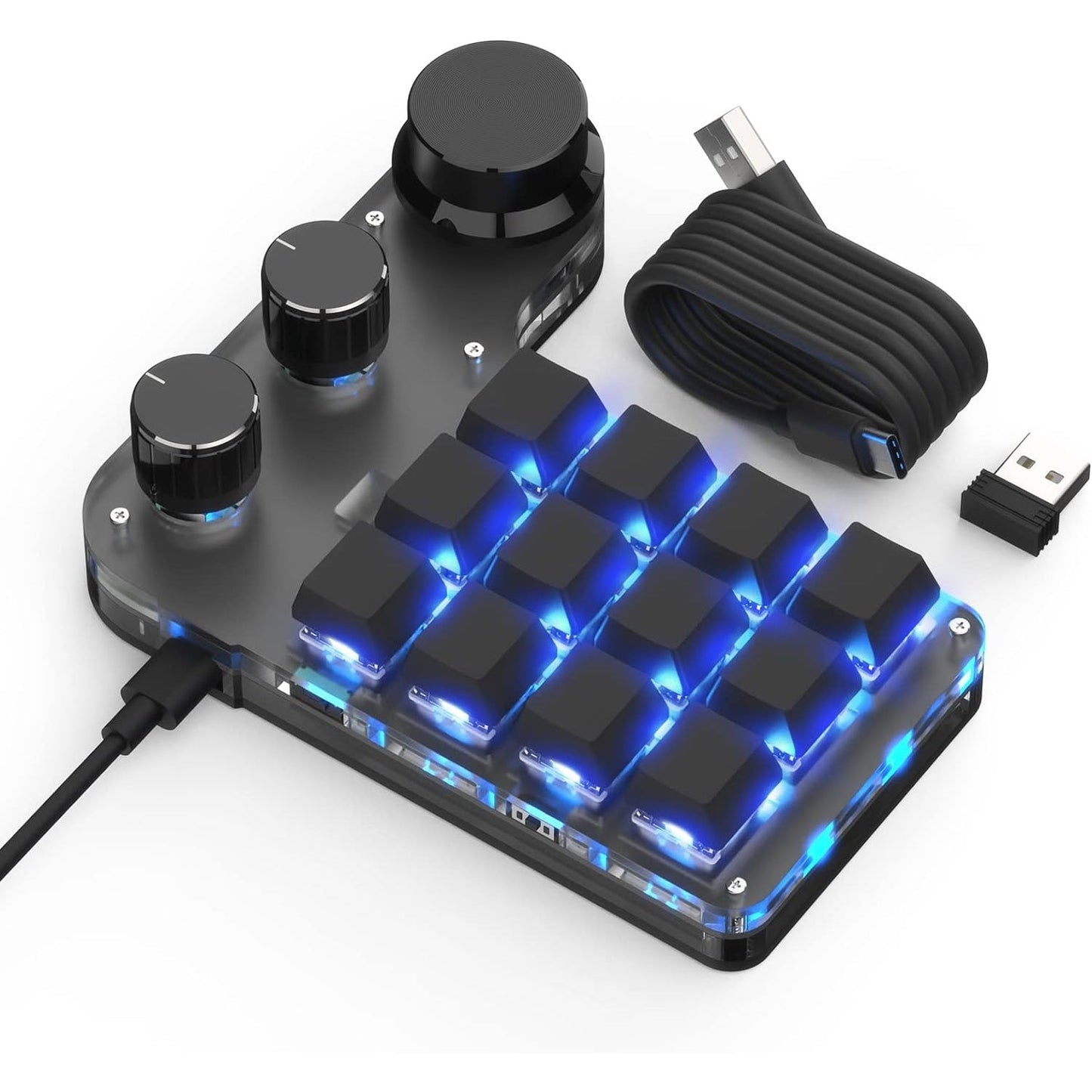
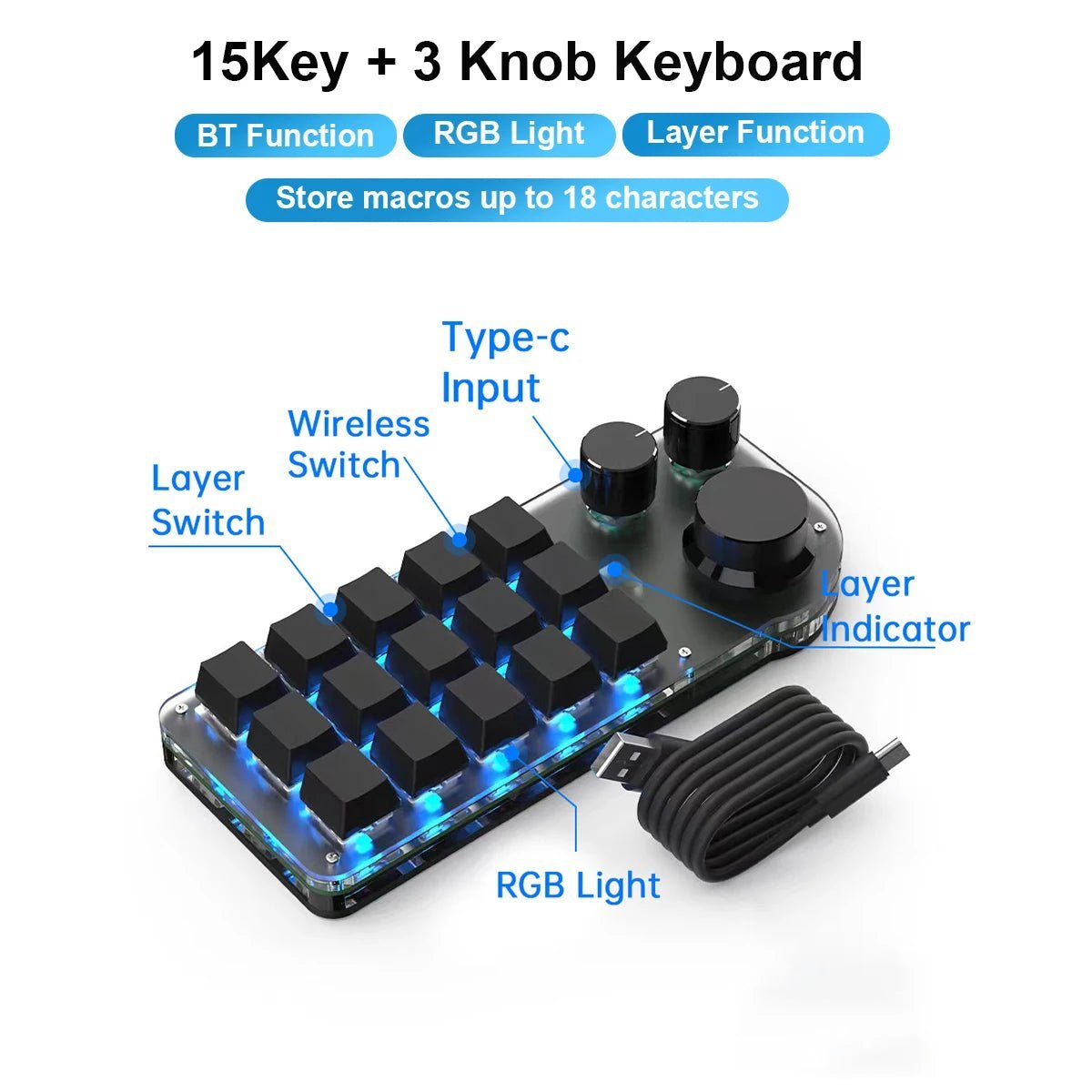
Wireless: selected models support Bluetooth and 2.4G wireless connection, with USB-C used for charging and setup where applicable.
Keys and knobs: select compact key-only layouts or larger models with rotary controls.
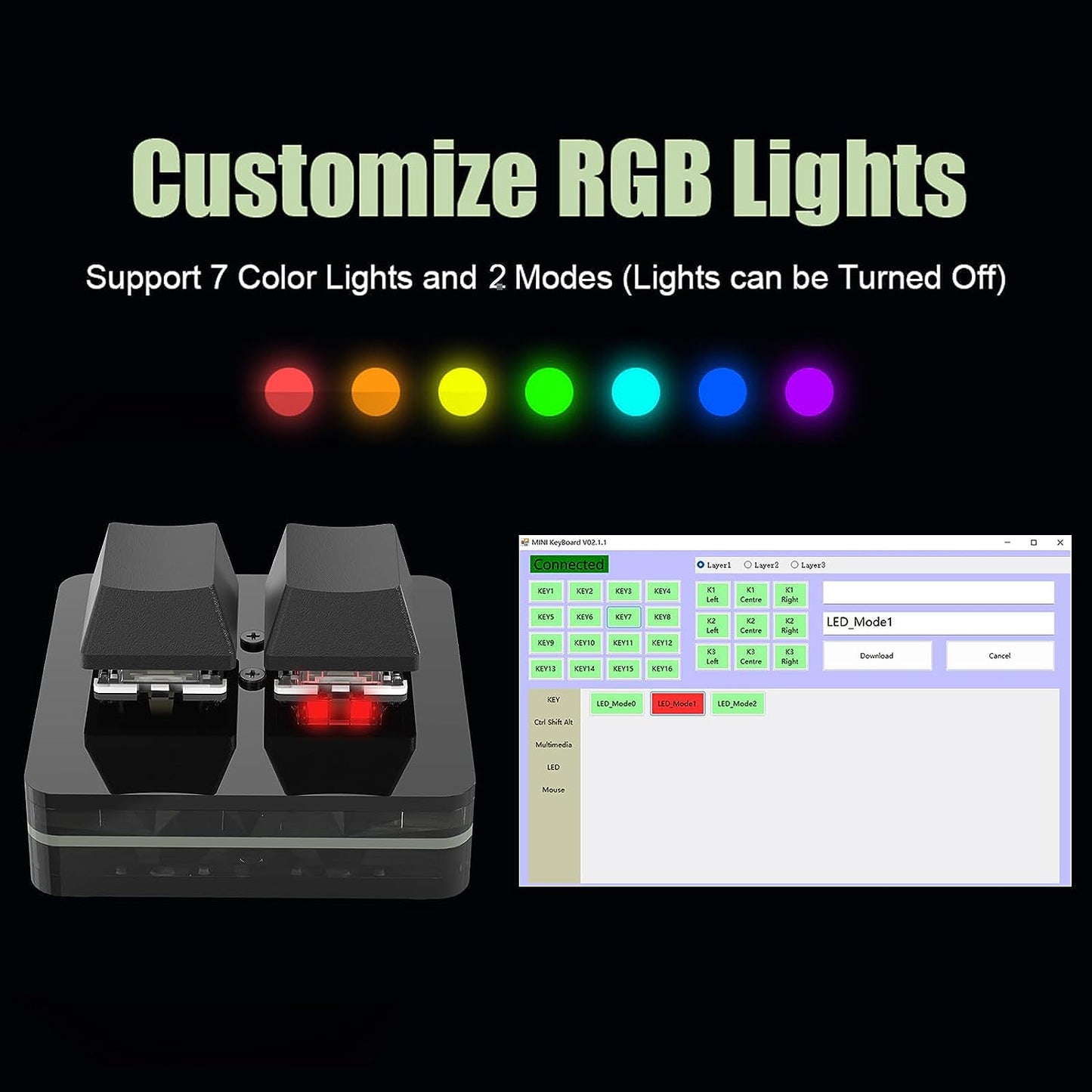
Color and lighting: choose the exact black, white, RGB or non-RGB version shown in the variant name and image.
Programmable Shortcuts
Assign keyboard commands, multimedia controls, mouse actions and macros through the compatible Windows configuration software. Settings are stored on the keyboard after saving, so configured shortcuts can normally be used on another compatible device without reinstalling the software.
Check the complete variant name before ordering. Wired and wireless models are different products.
Wireless versions are labeled Wireless (Bluetooth + 2.4G); wired versions are labeled Wired USB-C.
RGB availability, keycap style, color and knob count vary by selected model.
Programming software is currently available for Windows. Initial configuration should be completed through a wired USB-C connection.
Key Features
Programmable mechanical keys for repeated commands and custom shortcuts
Rotary controls on selected models
Hot-swappable red mechanical switches
RGB lighting on selected versions
Compact layouts for work, editing, media control and gaming
FAQ
How do I know whether a model is wired or wireless?
The connection type is written directly in every variant name. Choose Wired USB-C or Wireless (Bluetooth + 2.4G) before adding the product to your cart.
Where can I download the programming software?
Use the SIKAI Keyboard Software & Setup Guide link above. The current configuration software is for Windows.
Can I configure the keyboard wirelessly?
Complete key programming through a wired USB-C connection first. After saving the settings, compatible wireless models can be used wirelessly.
Do all models include RGB lighting?
No. RGB availability is stated in the selected variant name. Choose an RGB-labeled version if lighting is required.
Does every model include a knob?
No. The model name lists the exact number of keys and knobs.