


SikaiCase
SikaiCase 12-Key + 2-Knob Programmable Mechanical Mini Keyboard
SikaiCase 12-Key + 2-Knob Programmable Mechanical Mini Keyboard
受取状況を読み込めませんでした
- Fast Free Shipping
- 30-Day Return Policy
- 12-Month Warranty
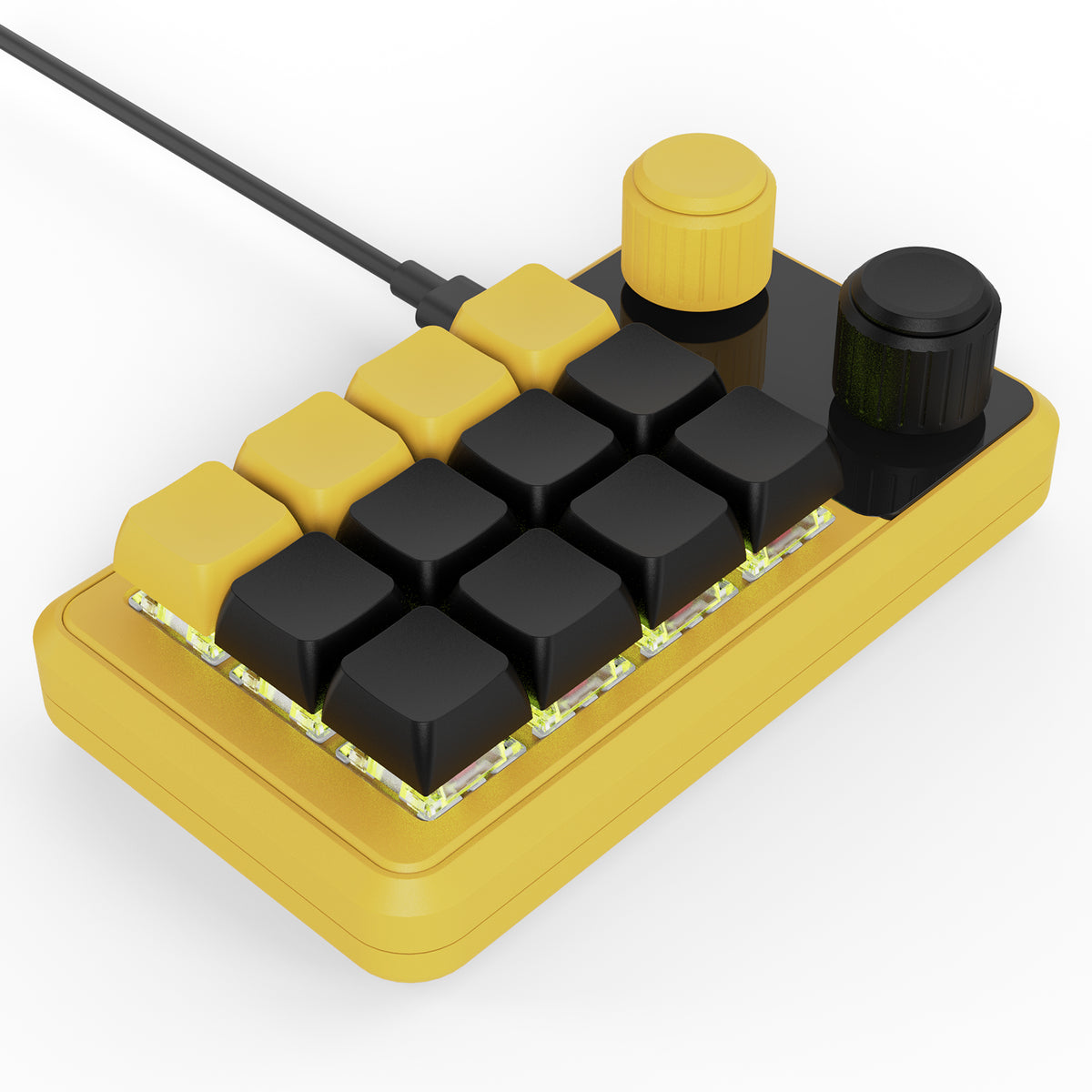
12 programmable keys plus 2 rotary push knobs for a compact shortcut and macro workflow. The SikaiCase 12-Key + 2-Knob Programmable Mechanical Mini Keyboard is designed for office shortcuts, editing, programming, gaming, multimedia control and other repeated actions. Choose from Black, White or Yellow, with separate Wired and Wireless versions.
Key Features
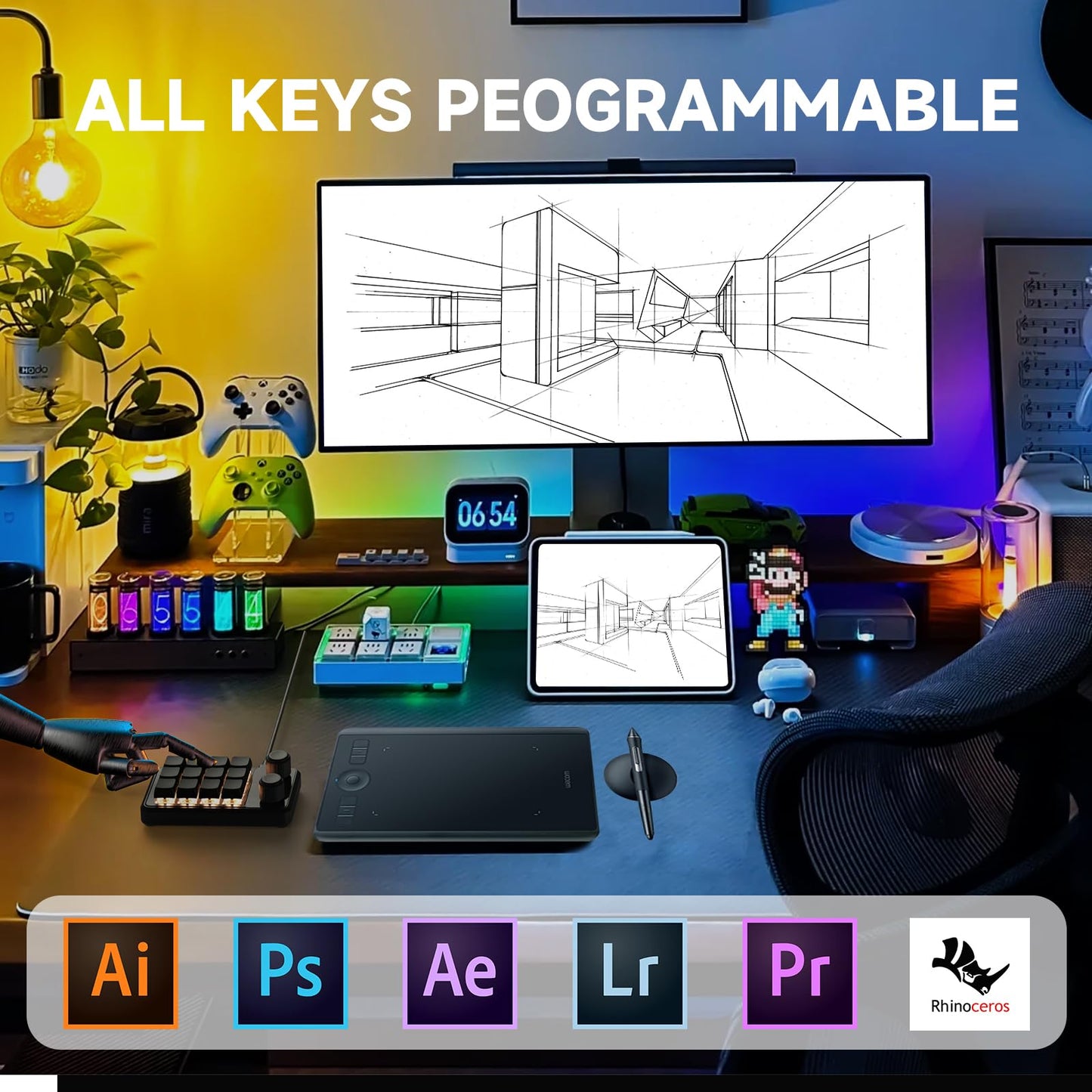
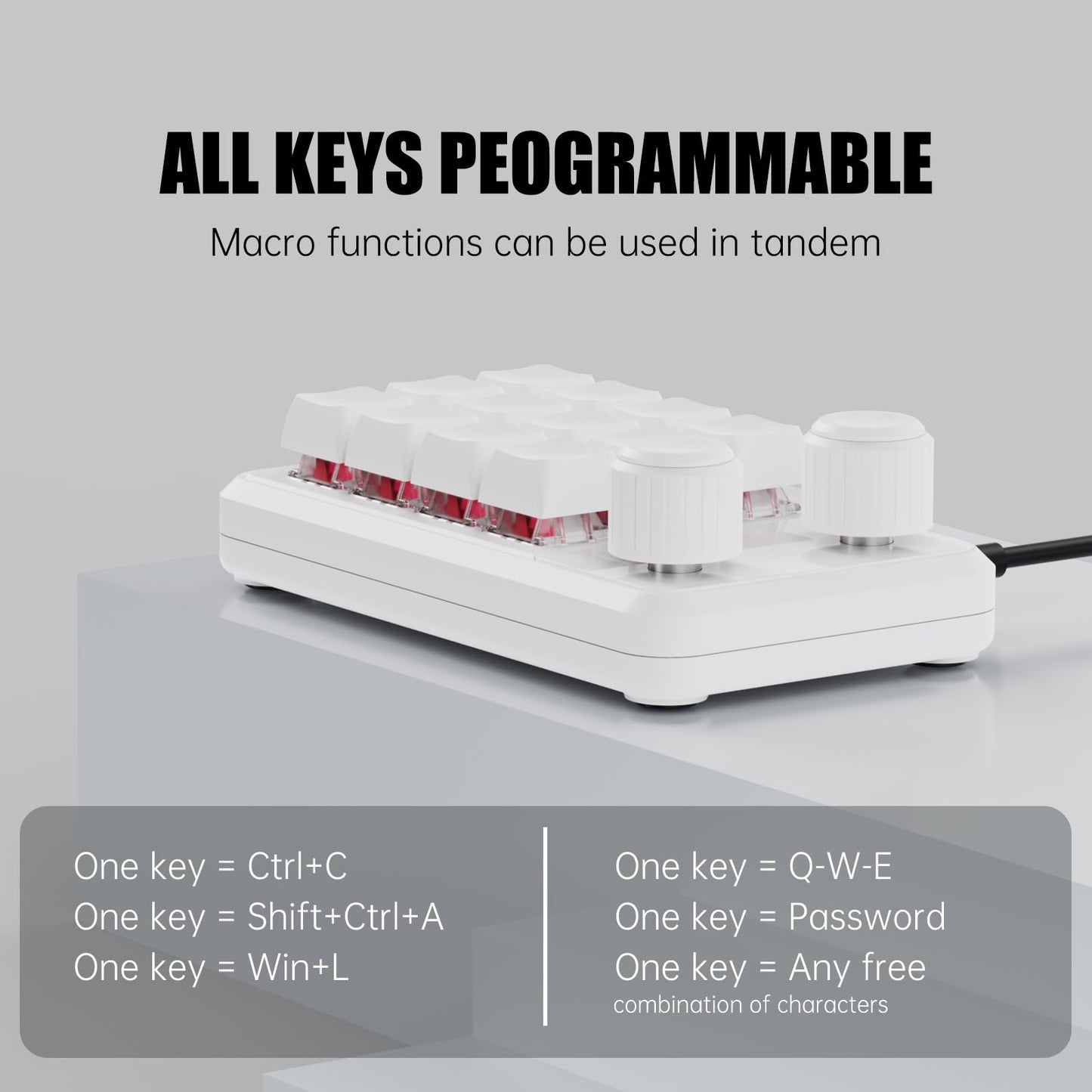
- 12 programmable keys + 2 rotary push knobs: assign frequently used keyboard shortcuts, supported mouse actions, macros, multimedia controls, one-click launch functions and other supported commands through the SikaiCase software.
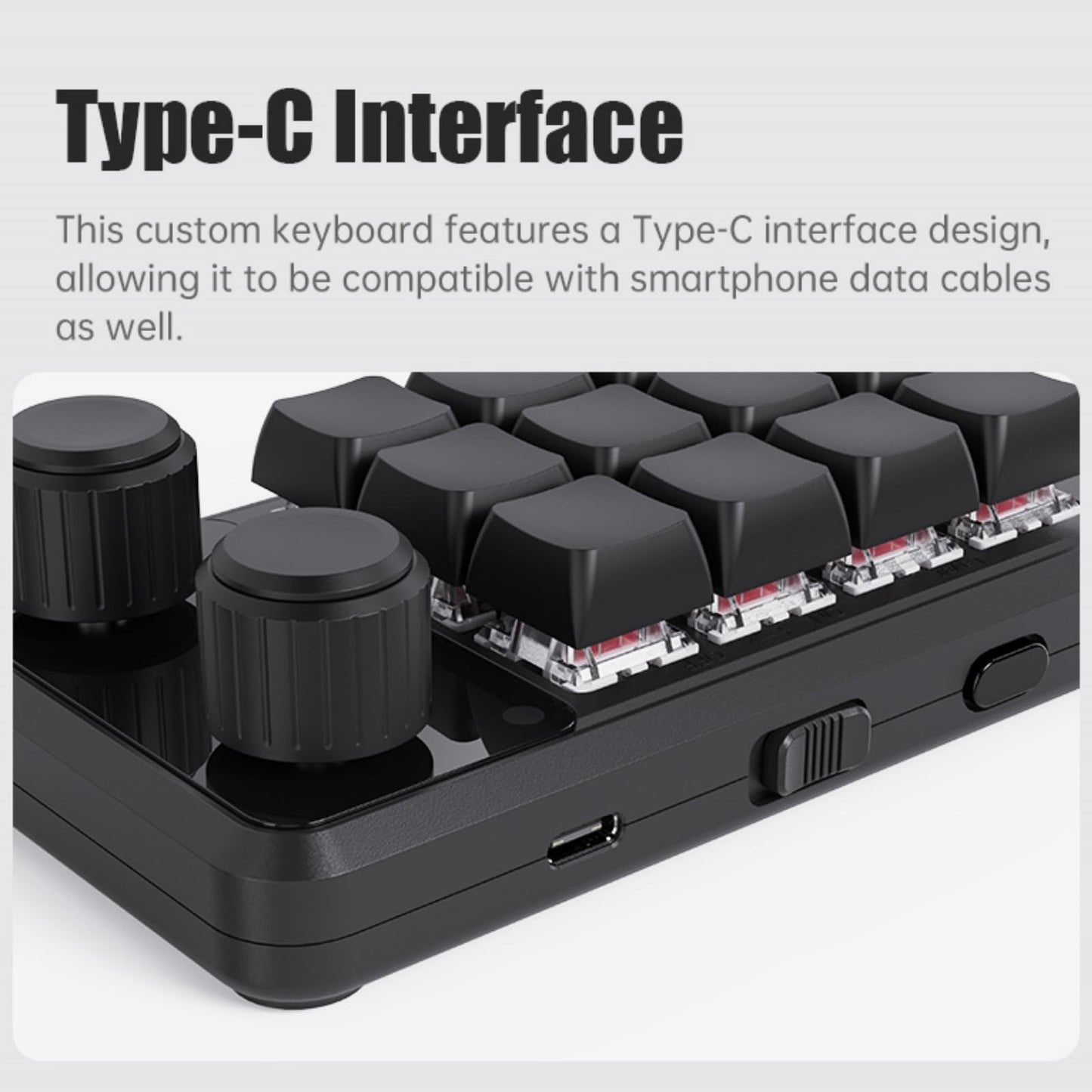
- Two connection versions: choose a Wired version for USB-C wired use only, or a Wireless version with Bluetooth, 2.4G wireless and USB-C wired connection.
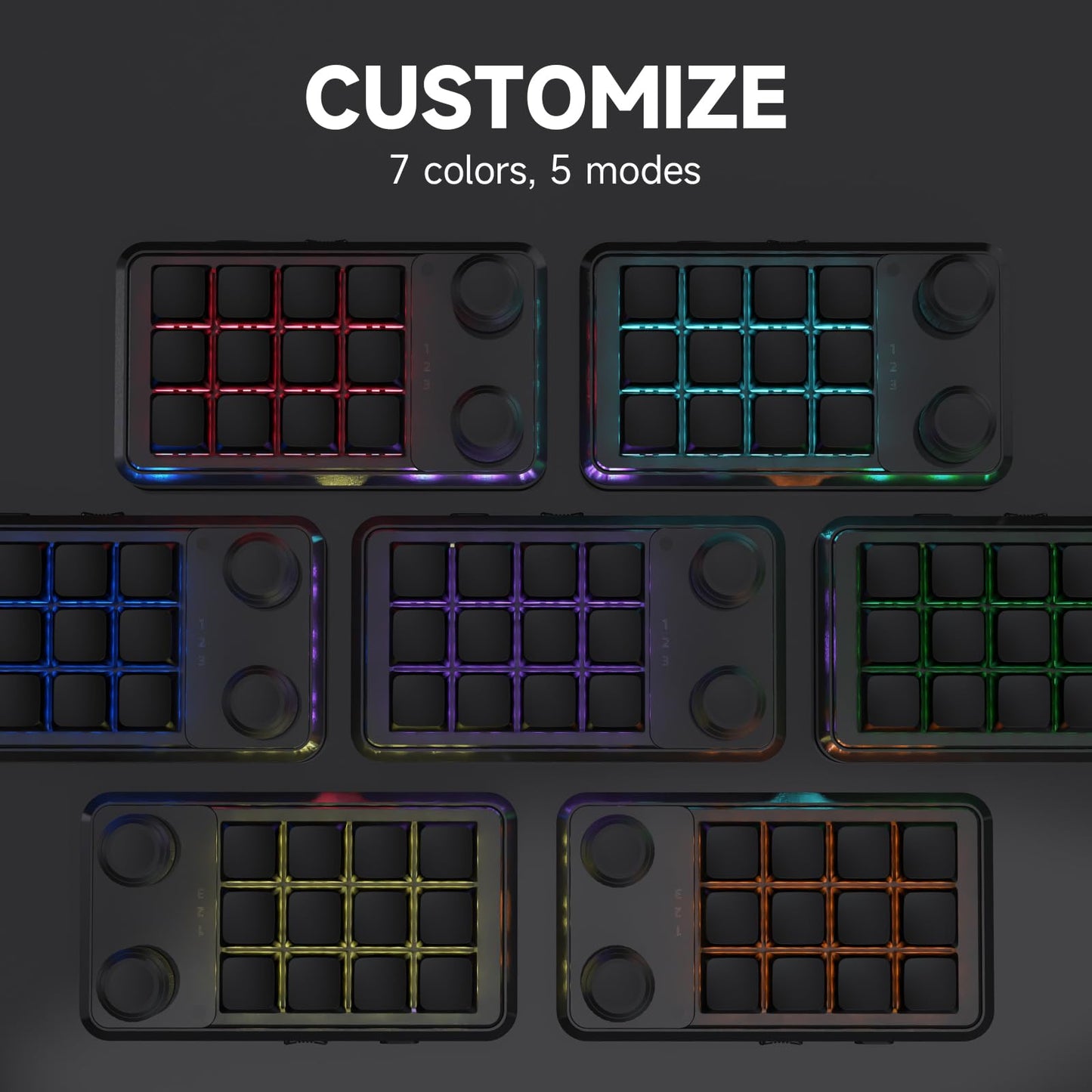
- Three colors: available in Black, White and Yellow.
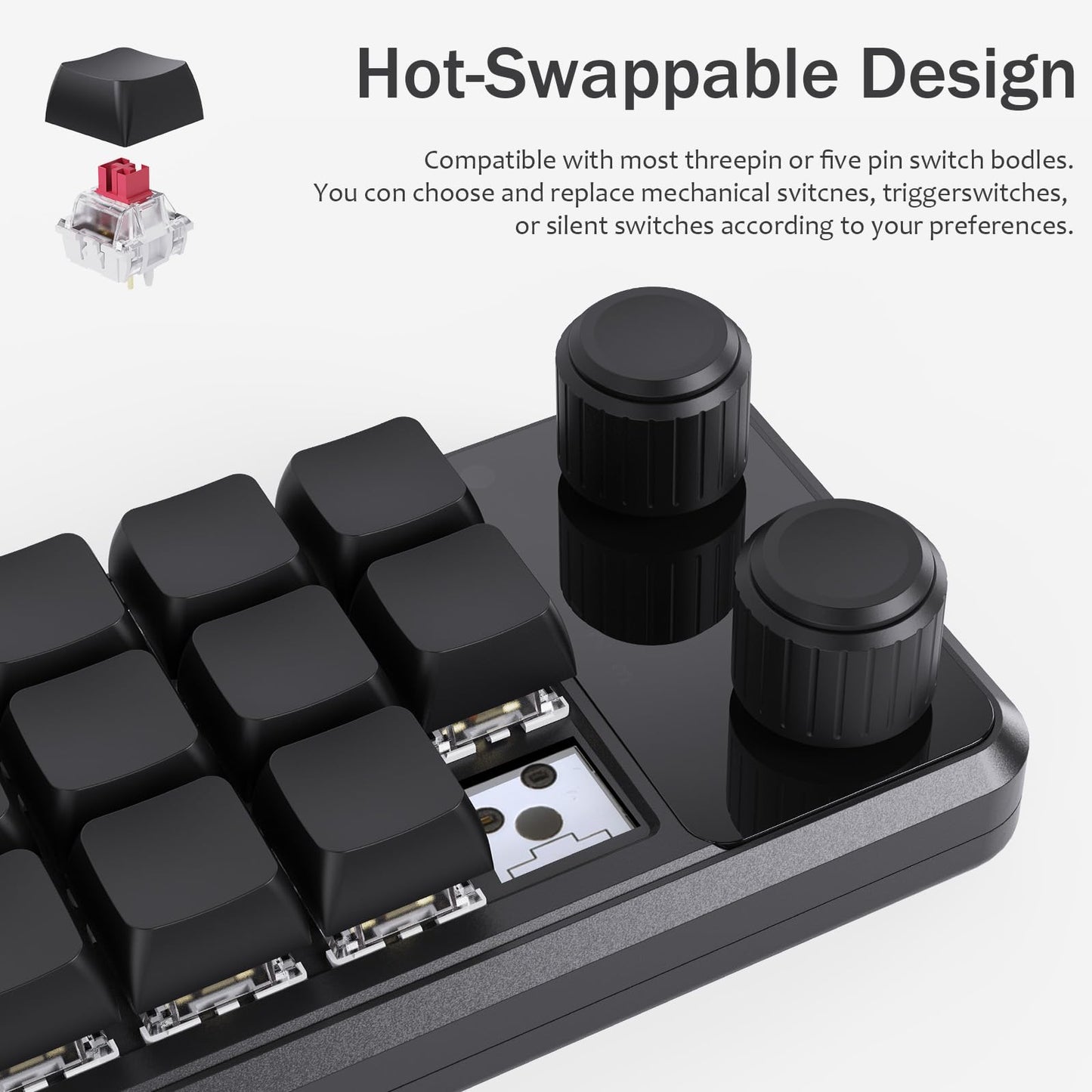
- Programmable rotary controls: each knob supports left rotation, right rotation and press-down actions.
- Multi-character macro input: supported programmable inputs can include combinations of up to 18 characters at once.
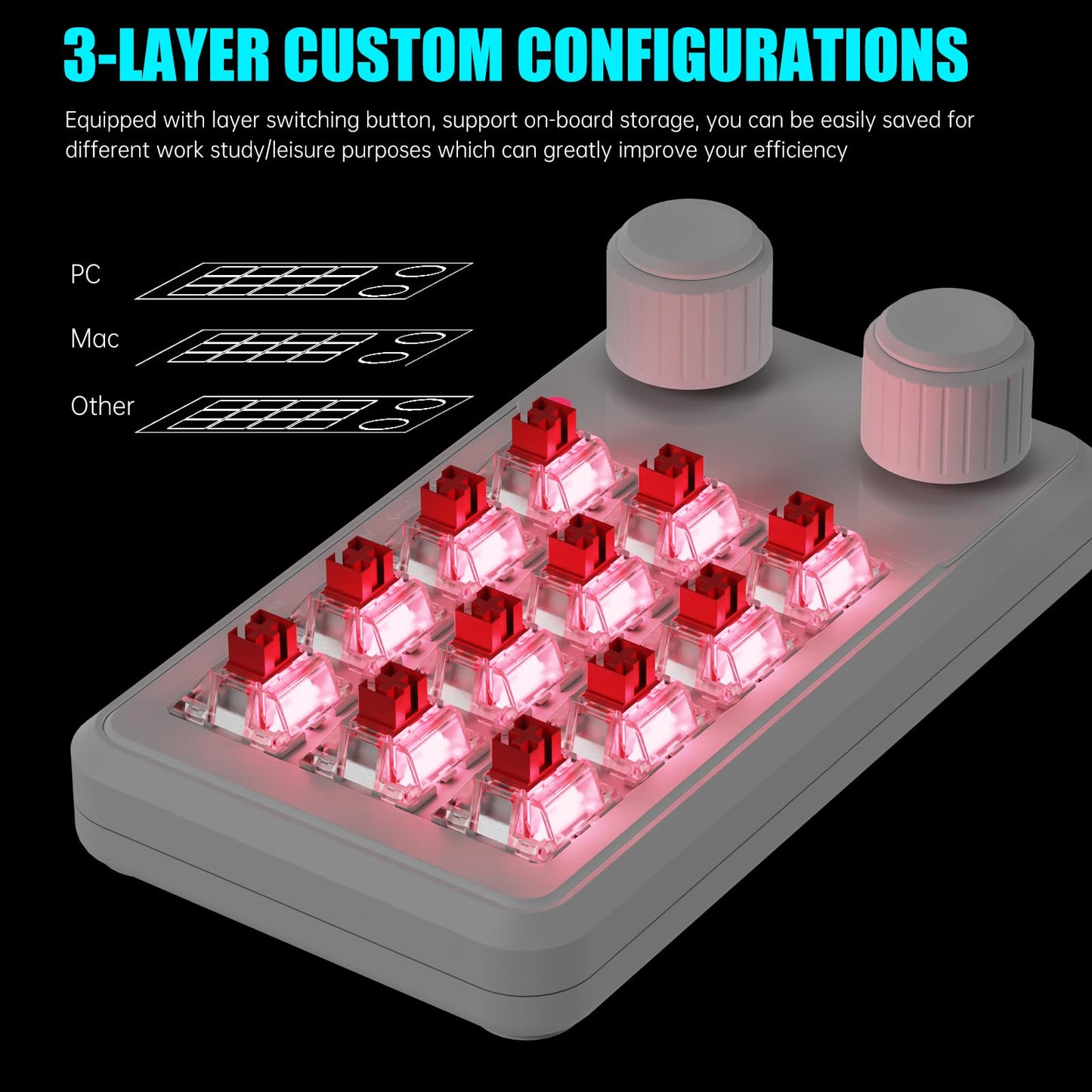
- Layer switching on the Wireless version: the Wireless version supports up to three programmable layers with a layer switching button and digital layer display.
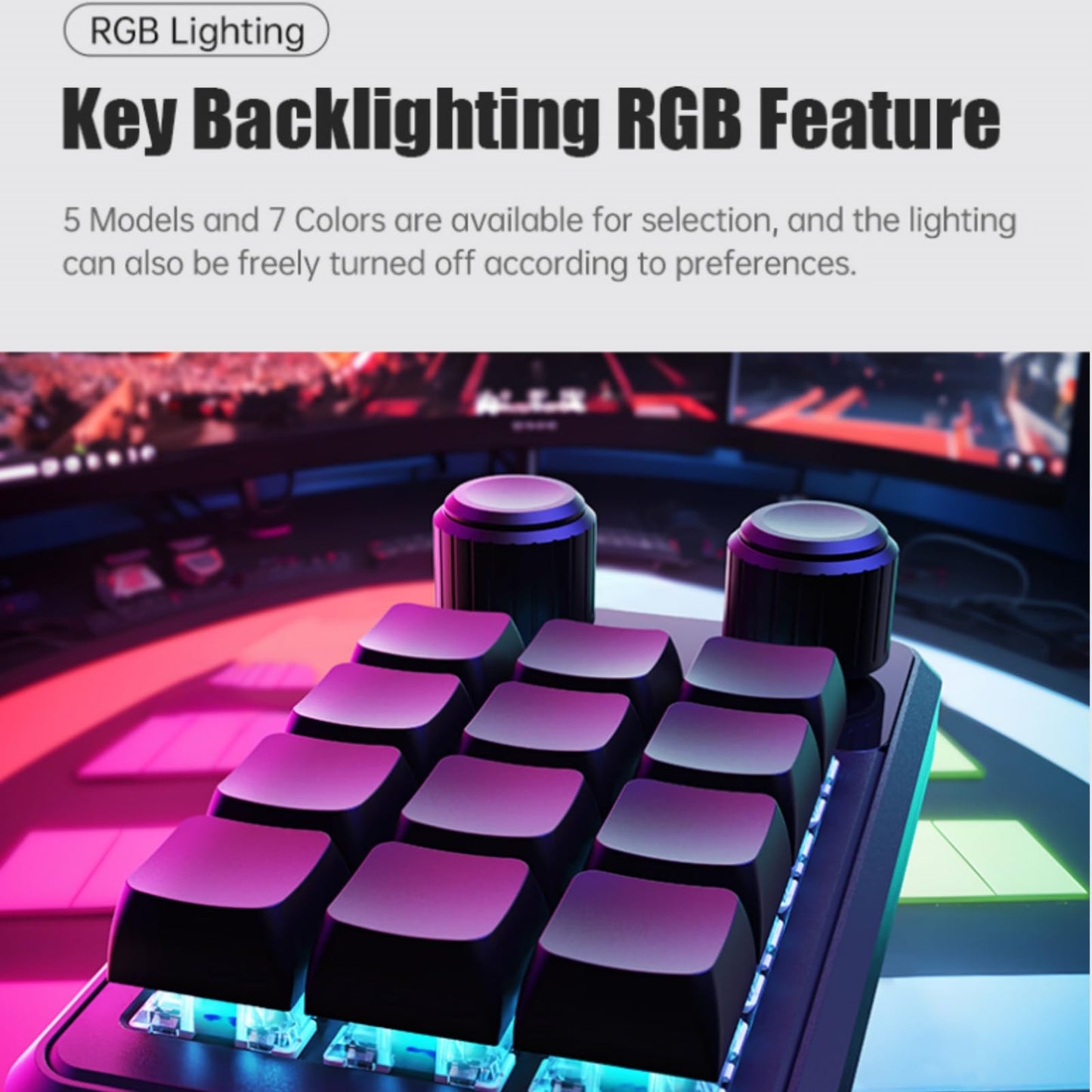
- Selectable lighting: six lighting modes are available as supported by the keyboard.
Connection Options
Wired Version
The Wired version connects by USB-C cable only. It does not support Bluetooth or 2.4G wireless connection.
Wireless Version
The Wireless version supports three connection modes: Bluetooth, 2.4G wireless and USB-C wired connection. It also supports up to three programmable layers for switching between different saved control layouts.
Software Setup
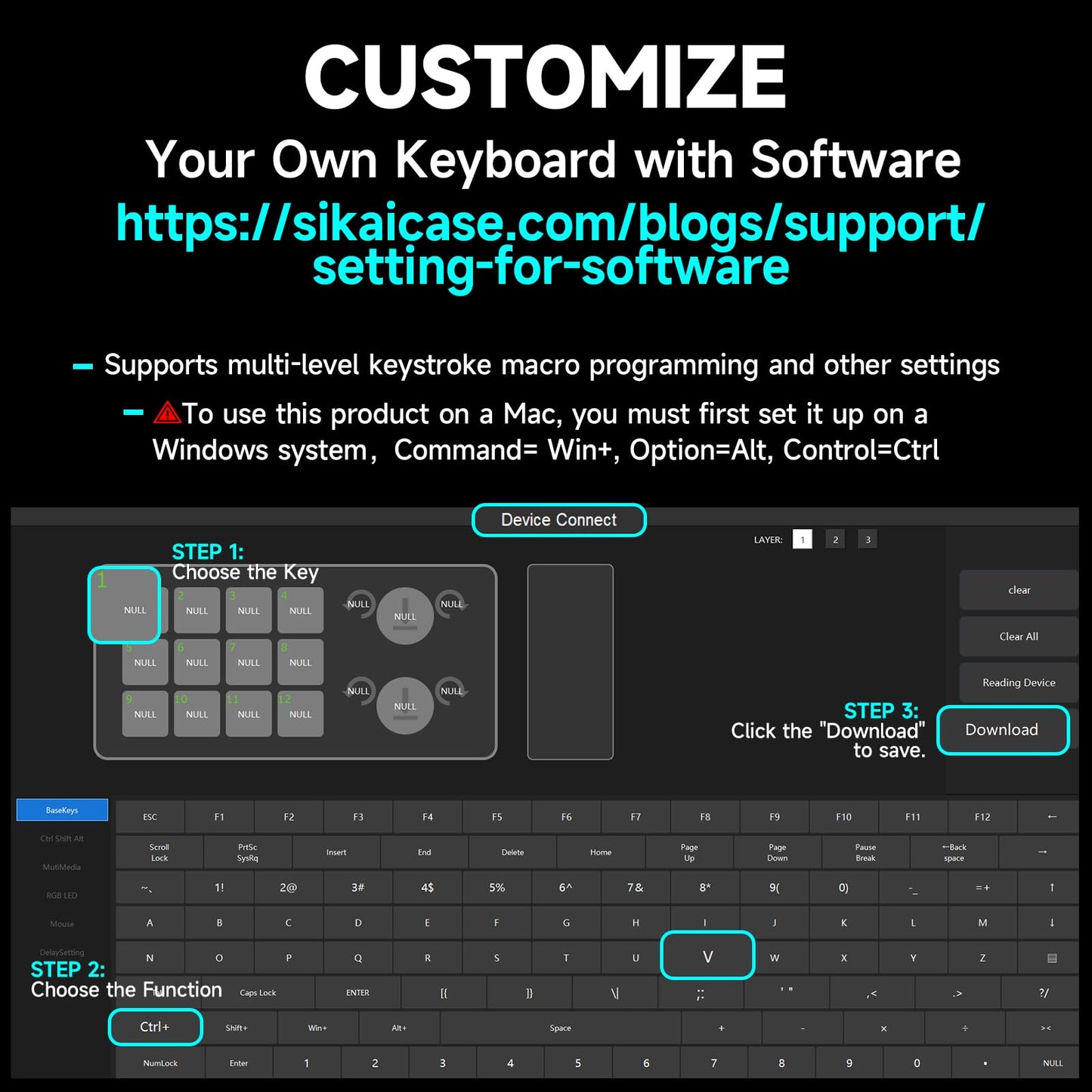
Programming is completed through the SikaiCase setup software:
Download the SikaiCase keyboard software and view setup instructions.
- Setup must be completed on a Windows system.
- The software supports Windows 7 and above.
- A USB-C cable is required during setup.
- For Mac use, program and save the keypad configuration on Windows first, then use the saved configuration on the compatible Mac setup.
Lighting Modes
- Mode 0: Lights off
- Mode 1: All keys lit
- Mode 2: Sequential lighting from Key 1 to Key 6
- Mode 3: Sequential lighting from Key 6 to Key 1
- Mode 4: Key-response lighting
- Mode 5: Default white light
Lighting is available in wired operation as described in the original product setup.
Good For
- Office shortcuts and repeated commands
- Video and photo editing workflows
- Programming and application shortcuts
- Gaming and rhythm-game inputs
- Multimedia and supported mouse controls
- Launching folders, documents, websites and apps
Before You Buy
- Choose both the correct color and connection version before checkout.
- The Wired version supports USB-C wired connection only.
- The Wireless version supports Bluetooth, 2.4G wireless and USB-C wired connection.
- The Wireless version supports up to three programmable layers.
- Initial programming requires the Windows setup software and a USB-C connection.
- Available shortcuts and commands may depend on the operating system and target application.
What's in the Box
Wired Version
- 12-key + 2-knob mini keyboard
- USB-C data cable
Wireless Version
- 12-key + 2-knob mini keyboard
- USB-C data cable
- USB 2.4G receiver
FAQ
What is the difference between the Wired and Wireless versions?
The Wired version connects by USB-C cable only. The Wireless version supports Bluetooth, 2.4G wireless and USB-C wired connection, and also supports up to three programmable layers.
Does the Wired version support Bluetooth or 2.4G wireless?
No. The Wired version is USB-C wired only.
Can the Wireless version also be used with a cable?
Yes. The Wireless version supports Bluetooth, 2.4G wireless and USB-C wired connection.
Does the Wireless version include a 2.4G receiver?
Yes. The Wireless version includes a USB 2.4G receiver by default.
What colors are available?
The keyboard is available in Black, White and Yellow. Each color has a Wired and Wireless version.
Can all 12 keys and both knobs be programmed?
The product is designed for programmable key and knob actions through the SikaiCase software. Each knob supports left rotation, right rotation and press-down actions.
How many programmable layers does the Wireless version support?
The Wireless version supports up to three programmable layers and includes a layer switching button with digital layer display.
Where can I download the software?
Use the SikaiCase keyboard software and setup guide.
Can I configure it directly on a Mac?
The current setup process requires Windows. Configure and save the keypad on Windows first, then use the saved configuration on a compatible Mac setup.
Share






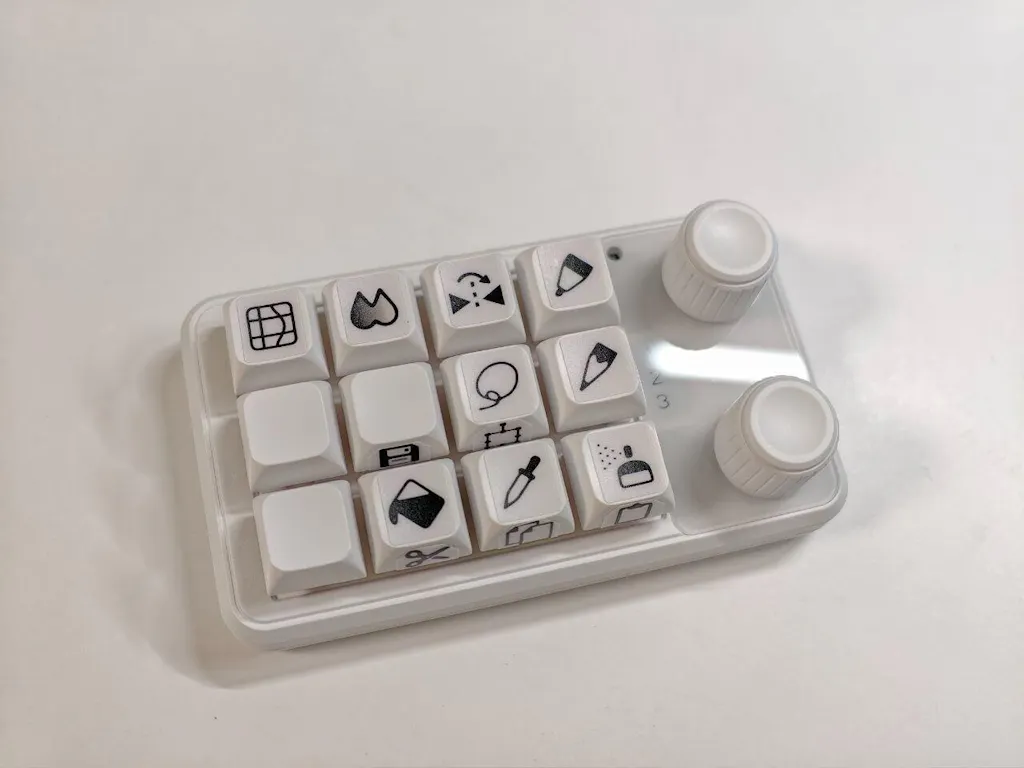
I purchased this macropad to use it with my android tablet while drawing in Clip Studio Paint. Set all the necessary tools and functions without any problem. The software does it's job very well. The battery lives long enough and BT connection is stable. Knobs are smooth and even clickable. So, no complaints whatsoever.
Build quality seems good. Cannot get the software to actually program this from 2 different computers. The programming software needs some work. I have another model and it was a struggle to utilize on that wired lesser model
Incredibly useful mini keyboard, easily programmed and can perform many functions.