SIKAI CASE
6 Key USB-C Macro Programmable Keyboard - OSU Mechanical with Knobs, RGB Backlit, Hotkeys for PC Gamers
6 Key USB-C Macro Programmable Keyboard - OSU Mechanical with Knobs, RGB Backlit, Hotkeys for PC Gamers
픽업 사용 가능 여부를 로드할 수 없습니다.
6-Key USB-C Macro Keypad with Programmable Knob
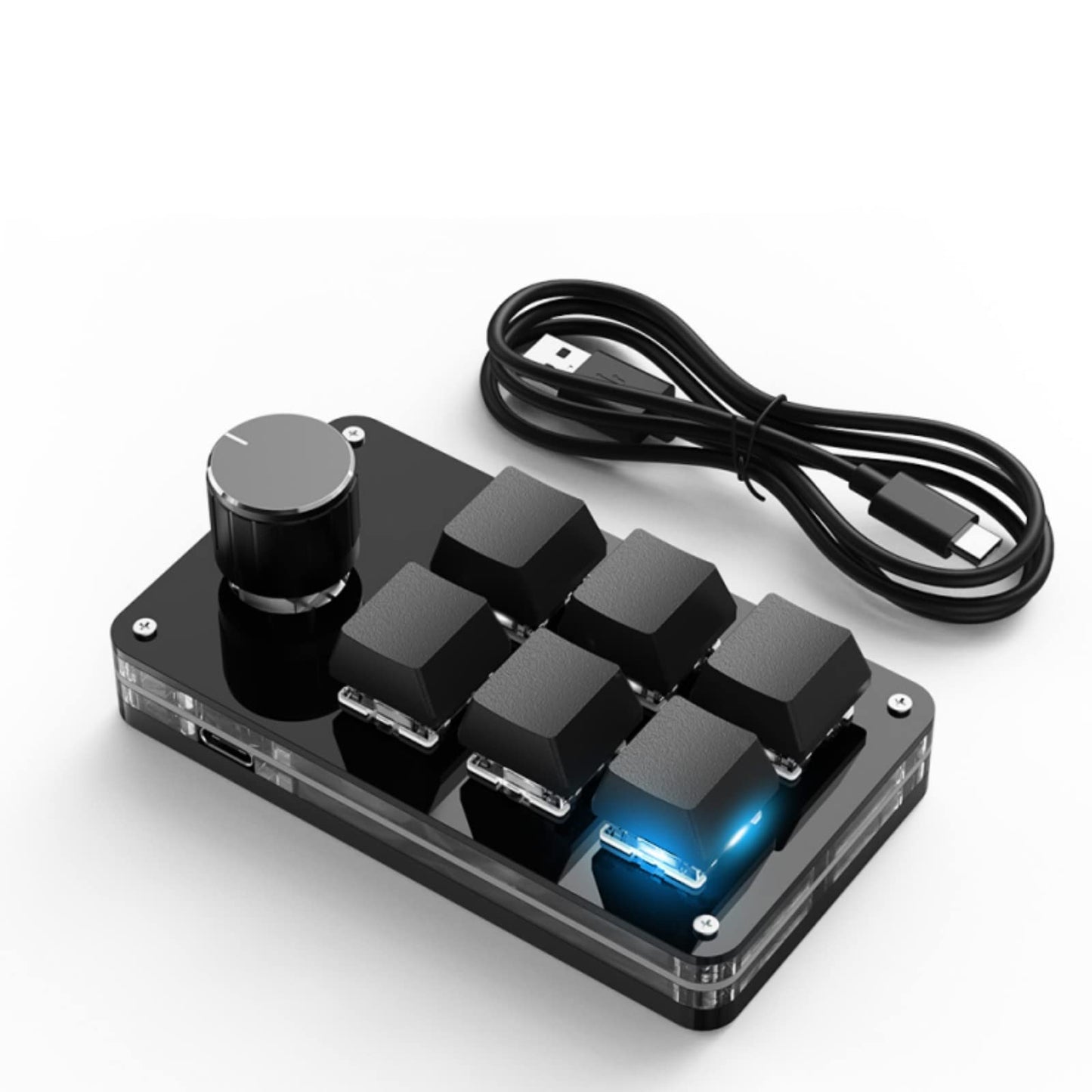
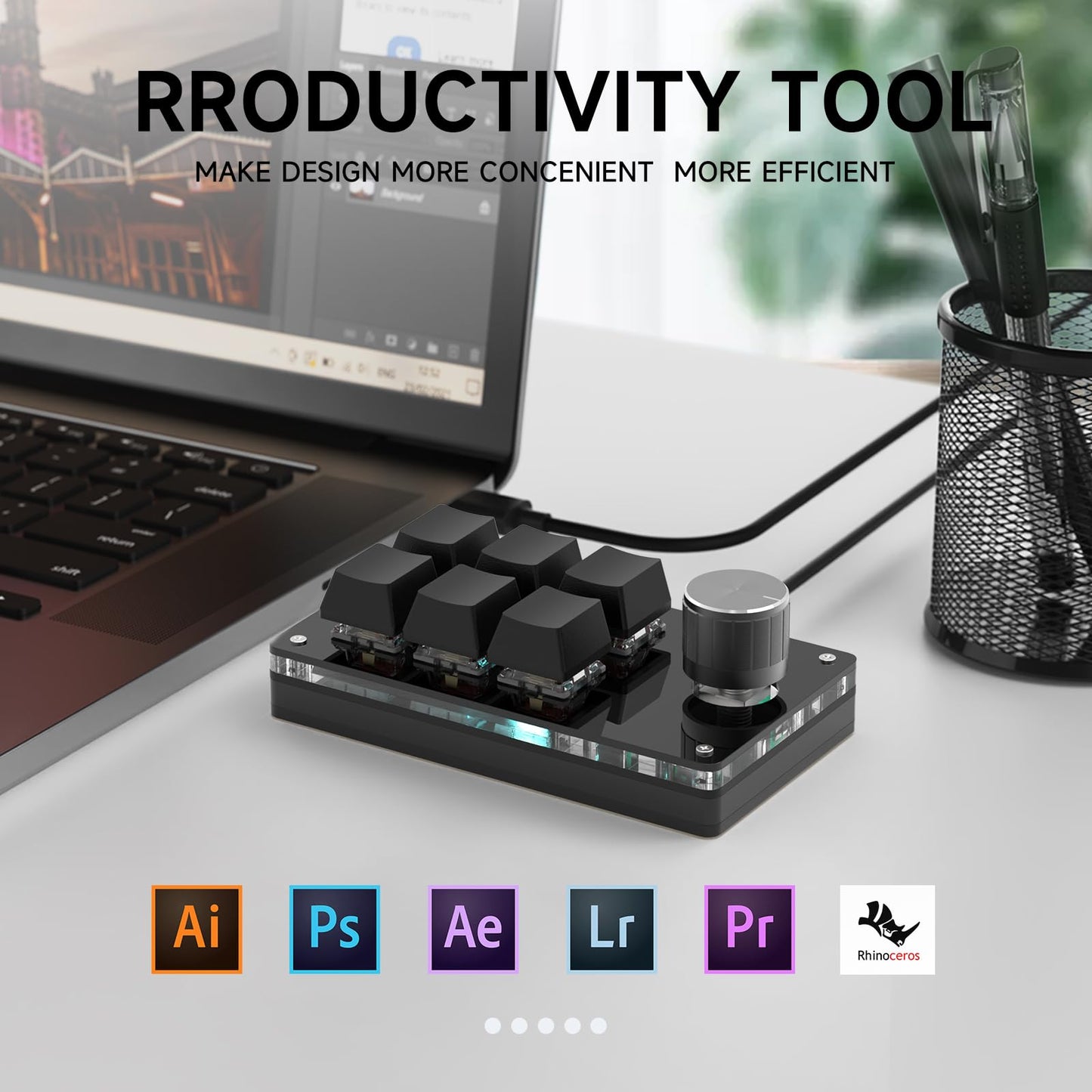
A compact wired macro keypad designed to keep your most-used commands within easy reach. Six programmable keys and a push-and-turn rotary knob give you quick access to shortcuts for gaming, creative work, streaming, editing and everyday productivity.
Compact Control for Faster Workflows
Repeated commands can interrupt your rhythm when you are gaming, editing or switching between applications. This mini keypad provides a dedicated control surface for the shortcuts you use most, without taking up the space of a full-size keyboard.
Key Features
- Six programmable keys: Assign frequently used keyboard shortcuts and commands. Each key supports input of up to five characters.
- Programmable rotary knob: The knob supports clockwise rotation, counterclockwise rotation and press input for convenient control of volume, tracks, scrolling or other assigned functions.
- Onboard memory: After configuration, the keypad remembers your saved settings when connected to another compatible computer.
- Three lighting modes: Choose lights off, key-response lighting or sequential lighting.
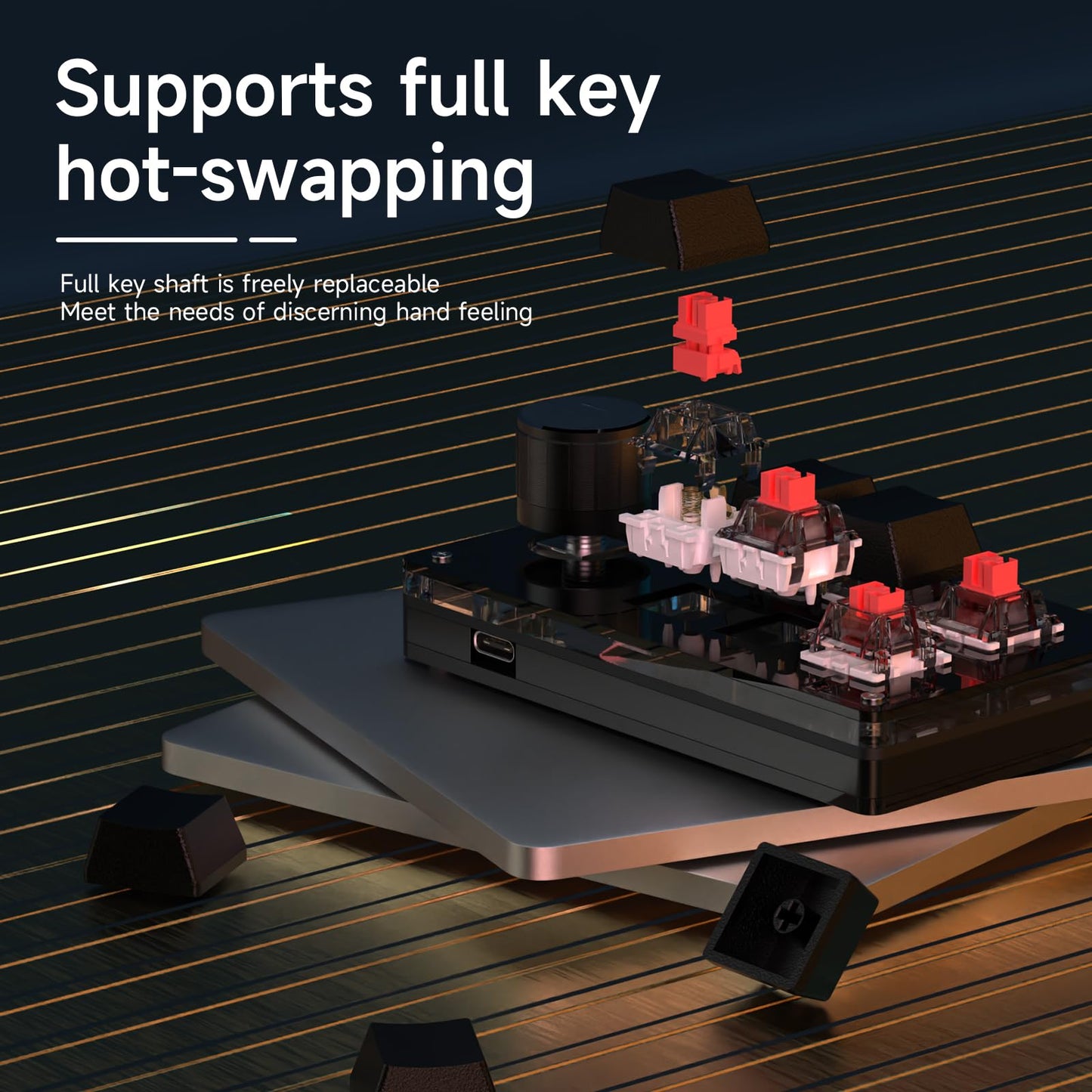
- Hot-swappable design: Change compatible keycaps and mechanical switches to personalize the feel and appearance.
- USB-C wired connection: Enjoy a stable, responsive connection without charging or wireless pairing.
- Space-saving size: Suitable for compact desks, gaming setups, editing stations and portable workspaces.
Suggested Uses
- Copy, paste, undo, redo and select-all commands
- Play, pause, previous track, next track and volume control
- Gaming hotkeys and rhythm-game controls
- Streaming, OBS and recording shortcuts
- Photo editing, video editing and design software commands
- Frequently used text, key combinations and workflow actions
Compatibility
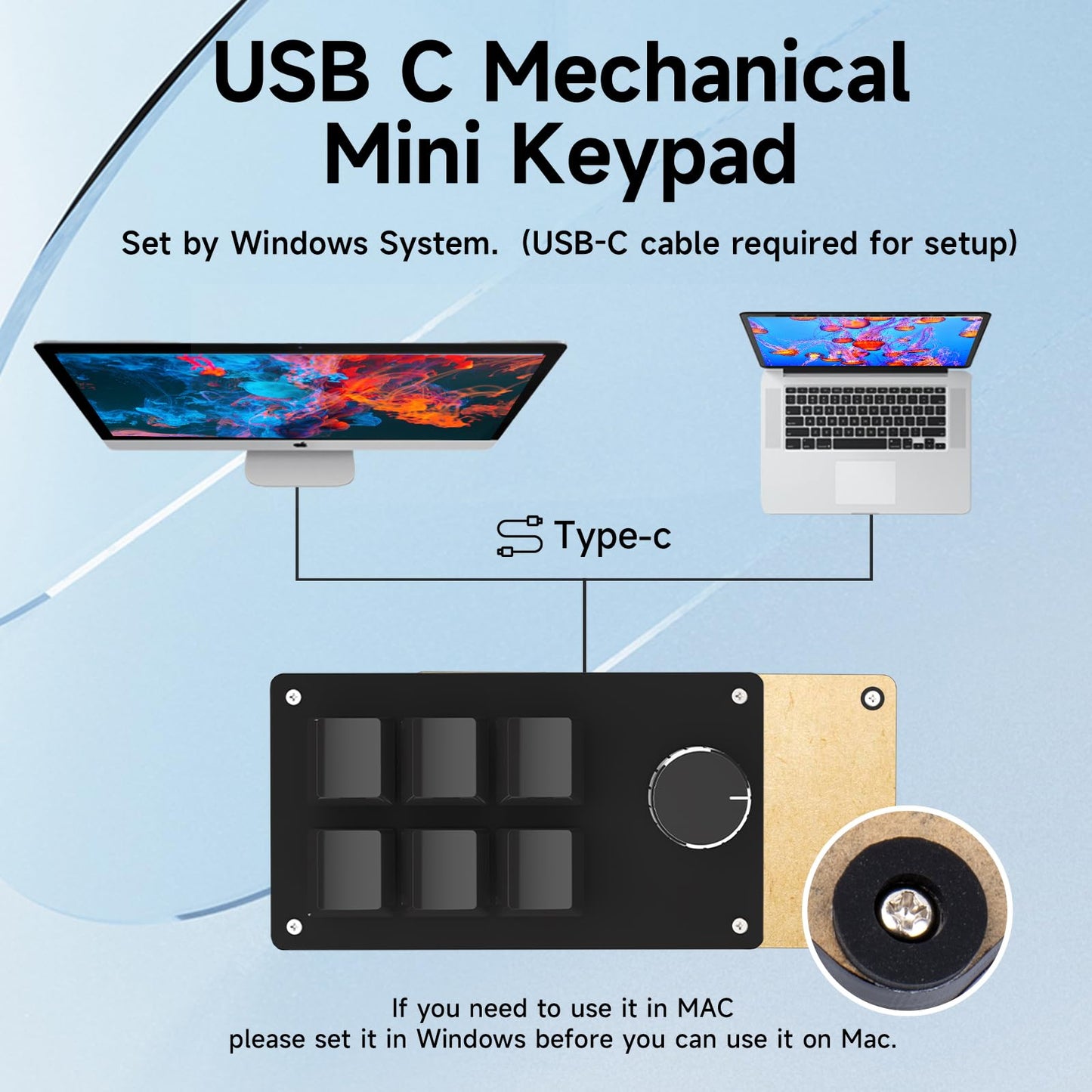
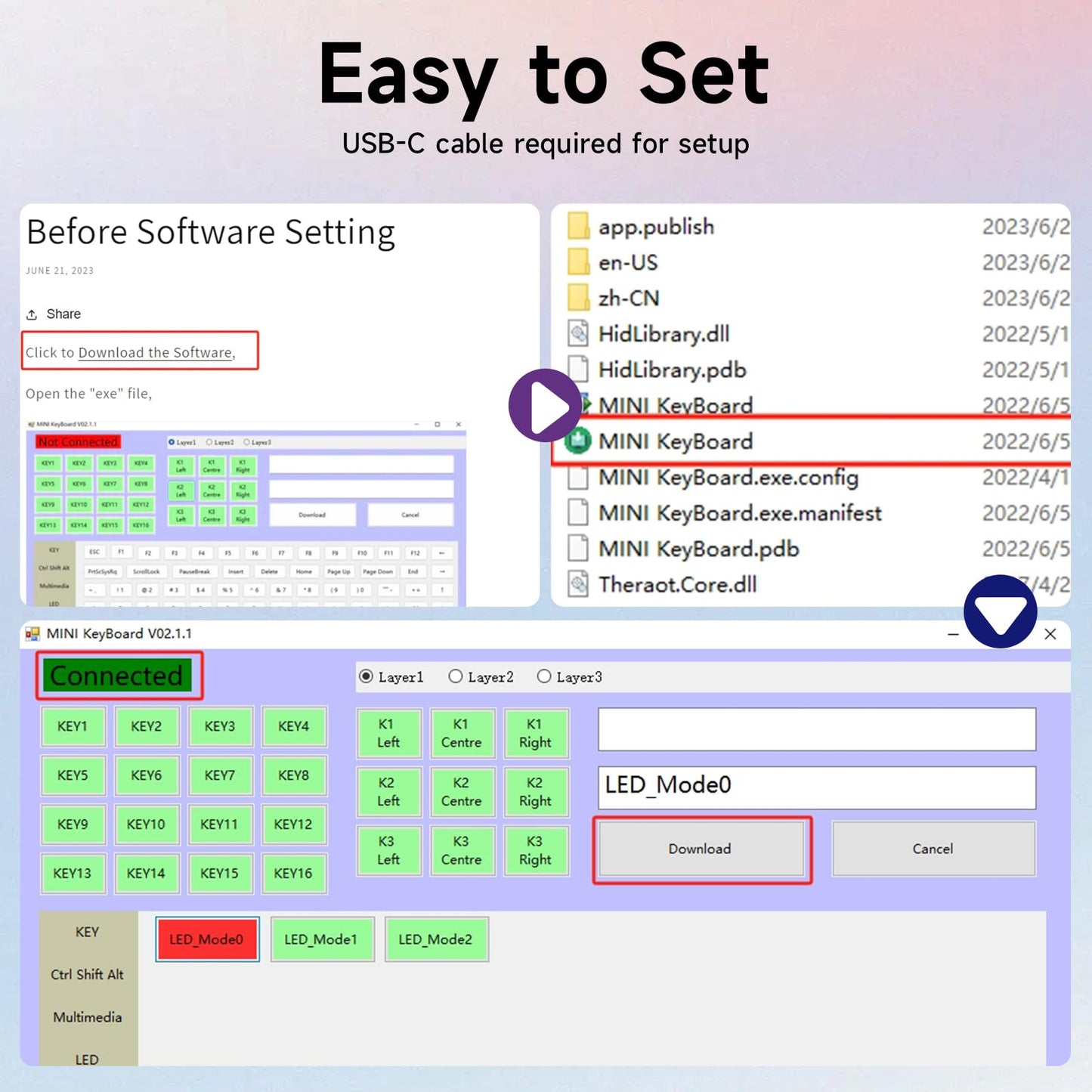
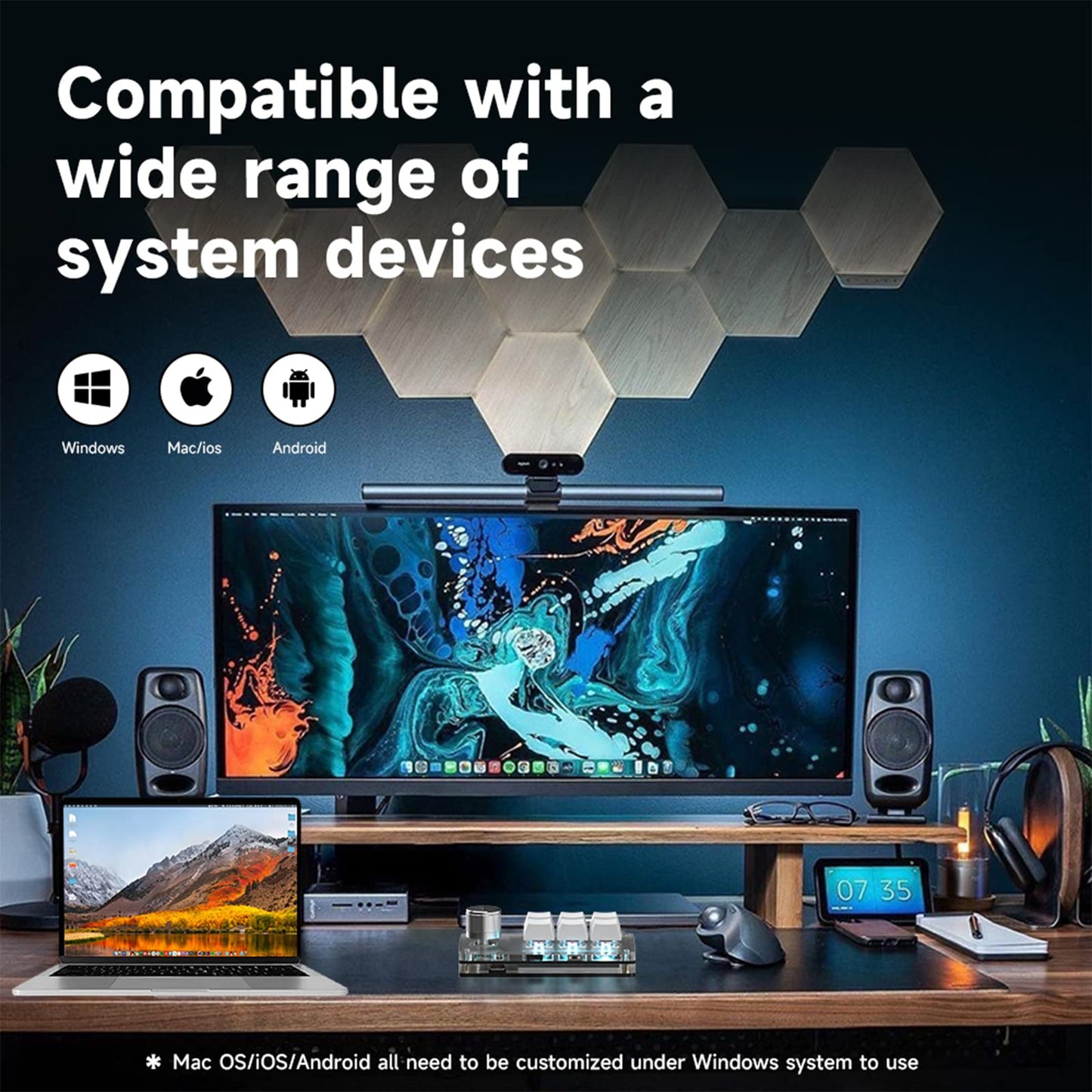
Programming software: Windows 7 or later is required to configure and save key assignments.
After programming: The saved keypad functions can be used on a Mac or another device that supports standard USB keyboard input. Configuration changes must still be made on a Windows computer.
Connection: USB-C wired connection. Keep the keypad connected by cable while programming.
View the software download and setup guide
Before You Buy
- This model has six keys and one rotary knob.
- This is a wired keypad; it does not support Bluetooth or 2.4 GHz wireless connection.
- The programming software runs on Windows only.
- Program the keypad on Windows before using the saved functions on a Mac.
- Lighting colors are not individually programmable on this model.
- Available product color: black.
Explore Other Macro Keypad Layouts
Frequently Asked Questions
How do I download the programming software?
Use our software download and setup guide. Keep the keypad connected by USB-C while completing the setup.
Can I program the keypad on macOS?
No. The programming software requires Windows 7 or later. You can configure the keypad on Windows and then connect it to a Mac to use the saved assignments.
Does the keypad remember its settings?
Yes. Saved assignments are stored by the keypad, so you do not need to keep the programming software open during normal use.
What functions can I assign to the knob?
The clockwise rotation, counterclockwise rotation and press action can each be assigned separately. Common uses include volume adjustment, previous or next track, scrolling and other shortcut commands.
Can I assign multimedia controls?
Yes. Available assignments can include play, pause, previous track, next track and volume controls.
How many characters can each key enter?
Each programmable key supports input of up to five characters.
Does this model support wireless connection?
No. This six-key model uses a wired USB-C connection for stable input and programming.
Can I replace the switches and keycaps?
Yes. The hot-swappable design allows compatible mechanical switches and keycaps to be replaced without soldering.
What lighting modes are available?
The keypad offers lights off, key-response lighting and sequential lighting modes.
What should I do if I need help with setup?
Review the setup guide first. If you still need assistance, contact us at sikaicase@sikaiglobal.com.
Share