
How to Connect the Foldable Bluethooth Keyboard
1、Open the Power Switch.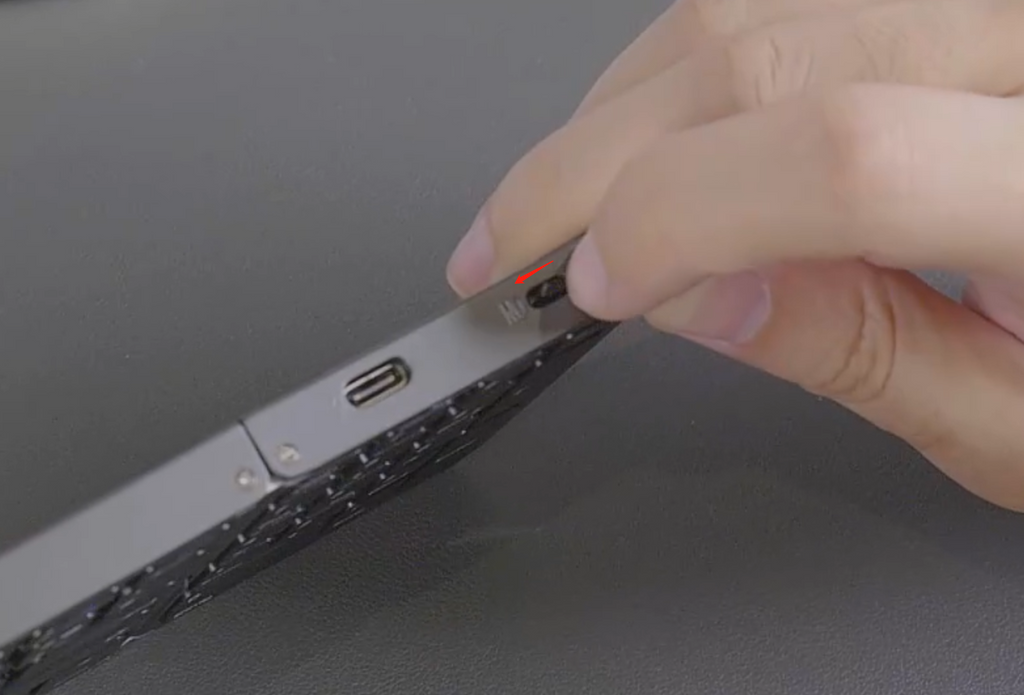
2、
- Press Fn+BT1/BT2/BT3 to activate the Bluetooth mode.
- Press Fn+C to initiate the pairing process.
- Once the pairing is successful, the first/second/third device will be connected.
When using multiple devices simultaneously, you can switch between them by pressing Fn+BT1/BT2/BT3. This will allow you to freely switch to the connected device.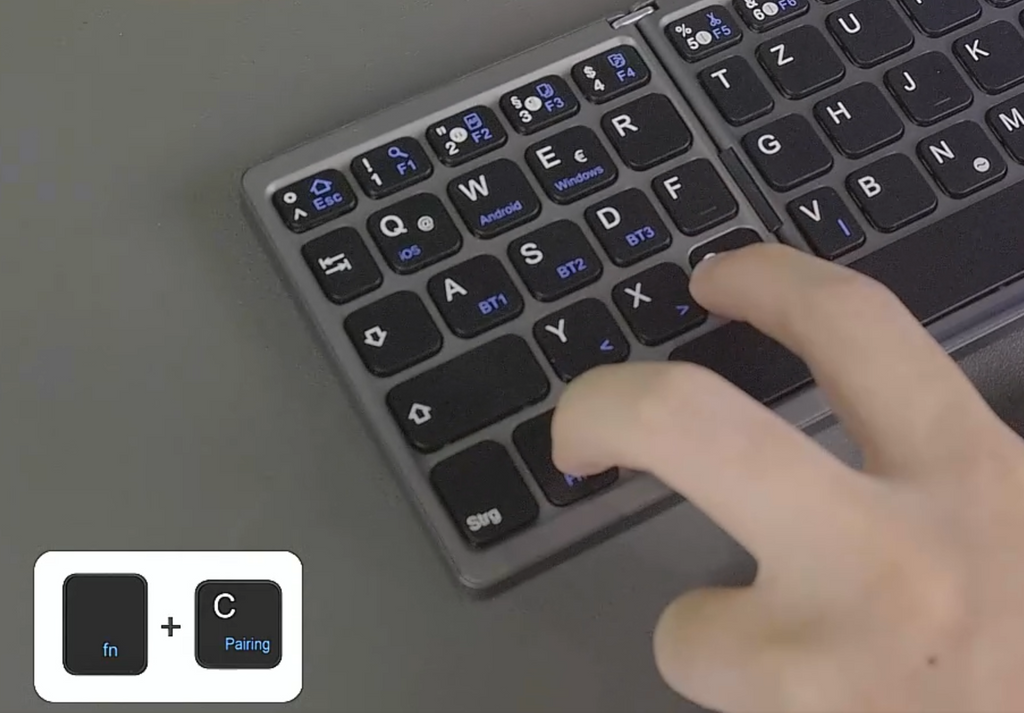
3、The blue light will start flashing, indicating that the keyboard is now in the in the process of pairing.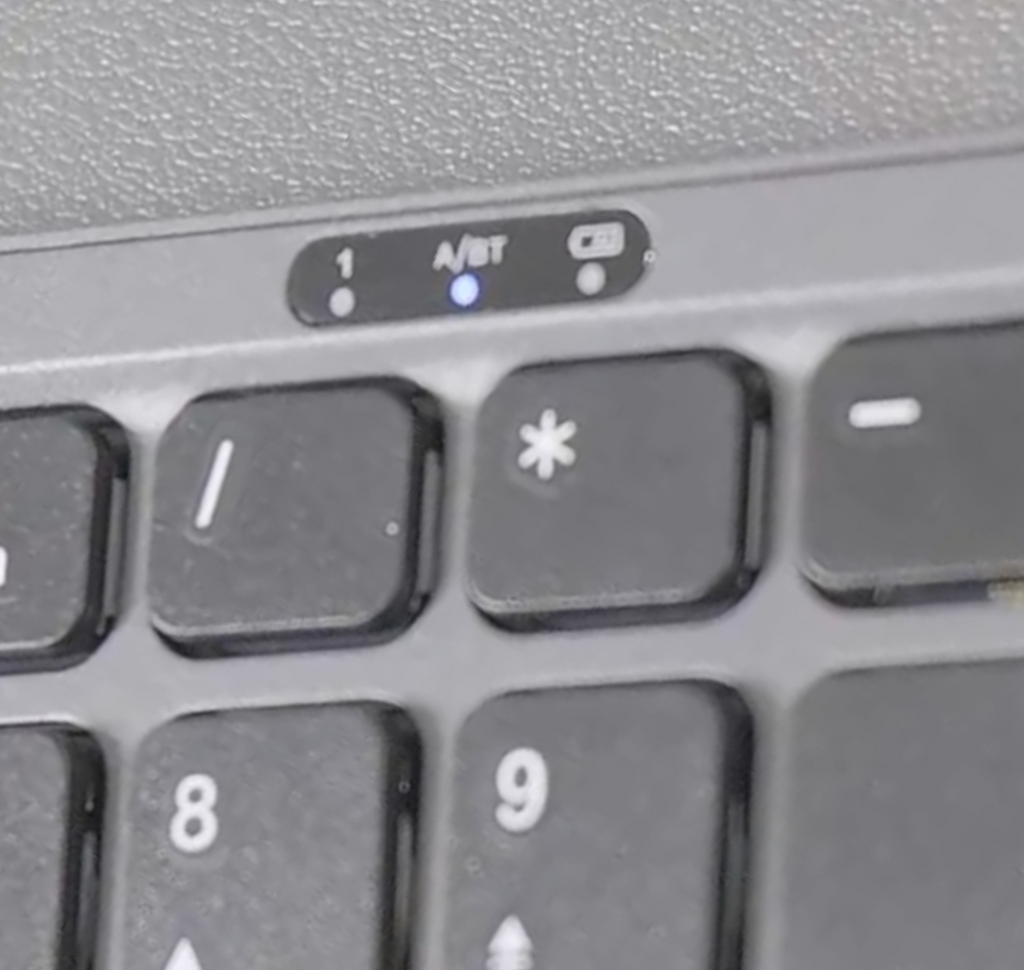
4、Click on the option“Bluetooth 5.1 Keyboard”, and confirm for paring request, click “OK”.
English Keyboard Instruction Video
Spanish Keyboard Instruction Video